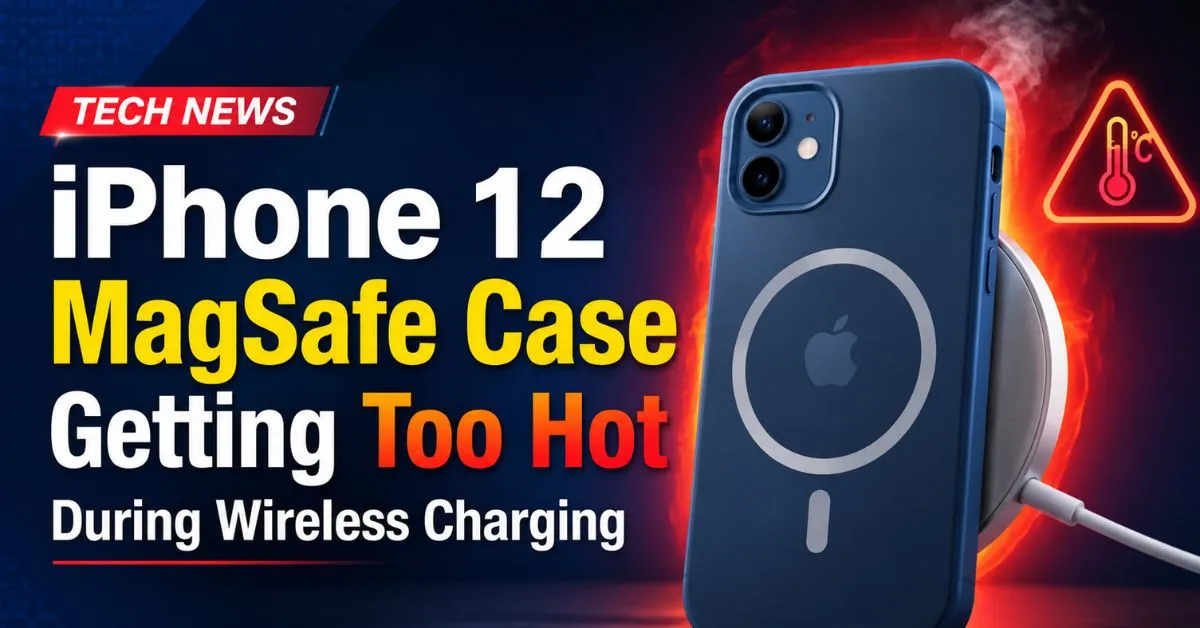
I remember the first night I slapped my iPhone 12 onto that shiny new MagSafe puck. I expected the satisfying thwack of the magnets and a seamless charge. What I didn’t expect was waking up at 3 AM to a phone that felt like it had been sitting on a George Foreman grill. My first thought? “Is my house going to burn down?” My second? “There goes my battery health.”
If you’re reading this, you’ve likely felt that same localized heat blooming from the back of your iPhone 12. Maybe you’ve even seen that dreaded “Charging on Hold” notification. After months of testing different cases—from the official Apple Silicone to rugged third-party behemoths—and tracking my Maximum Capacity % like a hawk, I’ve realized that the iPhone 12 MagSafe experience is a delicate dance between convenience and thermal physics.
Let’s break down why your case is turning your phone into a pocket warmer and how we can actually stop it.
The Science of Warmth: Why MagSafe Generates Heat
To understand the heat, we have to talk about Inductive Charging. Unlike a Lightning cable, where electrons flow through physical copper pins, MagSafe uses electromagnetic fields. Think of it like a tiny, high-tech stovetop. When the Qi Wireless Standard meets Apple’s proprietary magnets, energy is transferred between a transmitter coil in the puck and a receiver coil in your phone.
But here’s the kicker: physics is never 100% efficient. A significant chunk of that energy—roughly 20% to 30%—never makes it into your Lithium-ion Battery. Instead, it escapes as heat.
Why does MagSafe feel hotter than your old flat wireless charger? It’s all about the Wattage. Standard Qi charging on iPhones used to be capped at 7.5W. MagSafe doubled that to a 15W peak power. Pushing more power into the same physical space naturally generates more thermal energy. Plus, those Neodymium Magnets are great for alignment, but they also create Eddy Currents in nearby metallic elements, further contributing to the “toasty” feel.
Real-World Scenarios: When Does It Get Too Hot?
In my “lab” (which is basically my messy home office and my beat-up SUV), I noticed that the heat isn’t consistent. It spikes during very specific behaviors.
- The 0% to 50% Sprint: Your iPhone 12 is hungriest when the battery is low. This is when the Apple 20W USB-C Power Adapter is pushing the maximum current through the MagSafe puck. Once you hit 80%, the heat usually dies down because the phone requests less power.
- The “Dashboard Fryer”: Using a MagSafe mount in a car while running GPS and Spotify is the ultimate stress test. You’ve got the Ambient Temperature of the cabin, the direct sunlight hitting the black screen, and the MagSafe puck constantly fighting to keep up with the power drain of the screen and 5G modem. I’ve had my iPhone 12 shut down completely in this scenario.
- Gaming and Charging: If you’re playing Genshin Impact while attached to a MagSafe charger, you are asking for Thermal Throttling. Your CPU is generating heat, and the MagSafe coil is generating heat right on top of it. It’s a thermal sandwich.
Hands-on Evaluation: How Case Materials Trap Heat
I’ve spent way too much money on cases, and I can tell you right now: the material matters more than the brand name.

- Apple Silicone Case: I love the grip, but silicone is a fantastic insulator. It’s basically a parka for your phone. In my testing, the back of the phone stayed about 4-5 degrees Celsius warmer in the Silicone case compared to a naked phone.
- Leather Cases: Surprisingly, high-quality leather (like Apple’s discontinued version or Nomad’s) breathes slightly better than silicone, but it tends to retain a “core” heat for longer once it gets hot.
- Clear Plastic (Polycarbonate): These are the worst offenders for heat dissipation. The hard plastic doesn’t let heat escape effectively, and because they are often thicker to prevent cracking, they increase the distance between the coils.
- The Danger of “MagSafe Compatible” Cases: I once bought a cheap $10 case that claimed to be “MagSafe compatible” but didn’t have internal magnets. Because the alignment was slightly off, the induction was inefficient, leading to massive heat buildup due to increased resistance. Always ensure your case has the integrated magnetic ring.
Expert Insight: If your case is thicker than 2mm, your MagSafe charger has to work harder. This increased resistance isn’t just slow; it converts more electricity into waste heat before it even reaches the charging coil.
Software Protections: What Your iPhone is Doing to Save Itself
Your iPhone 12 is smarter than it looks. It has a built-in Thermal Management system that is constantly monitoring sensors near the logic board and the battery.
When things get too hot, you’ll notice Thermal Throttling. First, your screen brightness will dim (even if the slider is at max). Next, your charging speed will crater. If you see the “Charging on Hold” notification, that’s your iPhone’s way of saying, “I’m taking a break so I don’t melt.”
This is actually a good thing. Heat is the #1 killer of Lithium-ion Battery health. High temperatures cause the electrolyte inside the battery to break down faster, leading to a permanent drop in your “Maximum Capacity %” in the Battery Health settings. If you’re seeing that percentage drop by 1% every month, your charging habits are likely to blame.
Practical Fixes: How to Keep Temperatures Down
You don’t have to give up MagSafe, but you do need to be smarter about it. Here’s what worked for me after months of trial and error:
- The “Airflow Trick”: If you’re charging at your desk, don’t lay the MagSafe puck flat on a wooden surface. Wood is an insulator. I use a metal MagSafe stand that holds the phone vertically. This allows air to circulate around the back of the case, significantly improving Heat Dissipation.
- Use a Genuine 20W Brick: I tried using an old 60W MacBook Pro charger with the MagSafe puck. While it “works,” I found the initial handshake between the puck and the phone was more aggressive, leading to faster heat spikes. The official Apple 20W USB-C Power Adapter is tuned for this specific power curve.
- The Case-Off Policy: If I’m at 10% and need a fast top-up, I take the case off. It feels annoying, but the charging speed stays at the 15W peak for much longer because the phone isn’t hitting its thermal ceiling as quickly.
- Avoid “Optimized Battery Charging” During Heatwaves: Sometimes, if your room is already warm, the “Optimized Battery Charging” feature can cause the phone to sit at a high temperature for hours while it waits to finish the last 20%. If it feels hot, just unplug it at 80%.
Common Pitfalls to Avoid
- The “Metal Plate” Trap: If you have one of those magnetic plates for a car mount tucked inside your case, stop using it with MagSafe. The inductive field will heat that metal plate until it literally melts the plastic of your case or damages the phone’s internals.
- Charging in Direct Sunlight: Never leave your MagSafe setup on a windowsill. The sun adds an external thermal load that the phone’s internal cooling can’t compete with.
- Using “No-Name” Chargers: Those $15 MagSafe clones from Amazon often lack the sophisticated thermal sensors found in the official Apple puck. Saving $20 on a charger isn’t worth ruining a $700 phone.
Frequently Asked Questions
1. Is it normal for my iPhone 12 to feel warm while charging?
Yes, a mild “warmth” is completely normal for inductive charging. However, it should never feel painful to touch or so hot that the screen dims. If it’s uncomfortable to hold, your thermal management is struggling, likely due to a thick case or high ambient temperature.
2. Can MagSafe heat damage my battery permanently?
Yes. Chronic exposure to temperatures above 35°C (95°F) can permanently degrade the chemical age of a lithium-ion battery. This results in shorter daily battery life and a lower maximum capacity over time. Using MagSafe in a hot environment is the quickest way to kill your battery health.
3. Why does my MagSafe charger stop at 80%?
This is usually a protective feature. If the iPhone’s internal sensors detect too much heat, it will pause charging at 80% to allow the battery to cool down. Once the temperature drops to an acceptable level, charging will resume. You can check this in Settings > Battery > Battery Health.
4. Which case is best for MagSafe charging if I’m worried about heat?
From my testing, thin “Aramid Fiber” cases (like those from Pitaka) or very thin shells offer the best thermal performance because they don’t insulate the phone as much as silicone or leather. If you prefer protection, look for cases with “vented” designs or those made of materials specifically marketed for heat dissipation.
5. Does the MagSafe puck itself get hot, or is it just the phone?
Both. The puck contains the transmitter coil and circuitry that regulates power. It will naturally get warm. If the puck is hotter than the phone, there might be a debris issue or a failing component in the charger itself. Always check the surface of the puck for dust or metallic particles before snapping it onto your phone.
Pro Tip: If you’re using your iPhone 12 as a dedicated navigation device in your car, skip MagSafe and use a high-quality Lightning cable instead. The heat generated by the screen and 5G already pushes the phone to its limit; adding the thermal load of wireless charging is a recipe for a “Temperature Warning” shutdown right when you need to see your next turn.