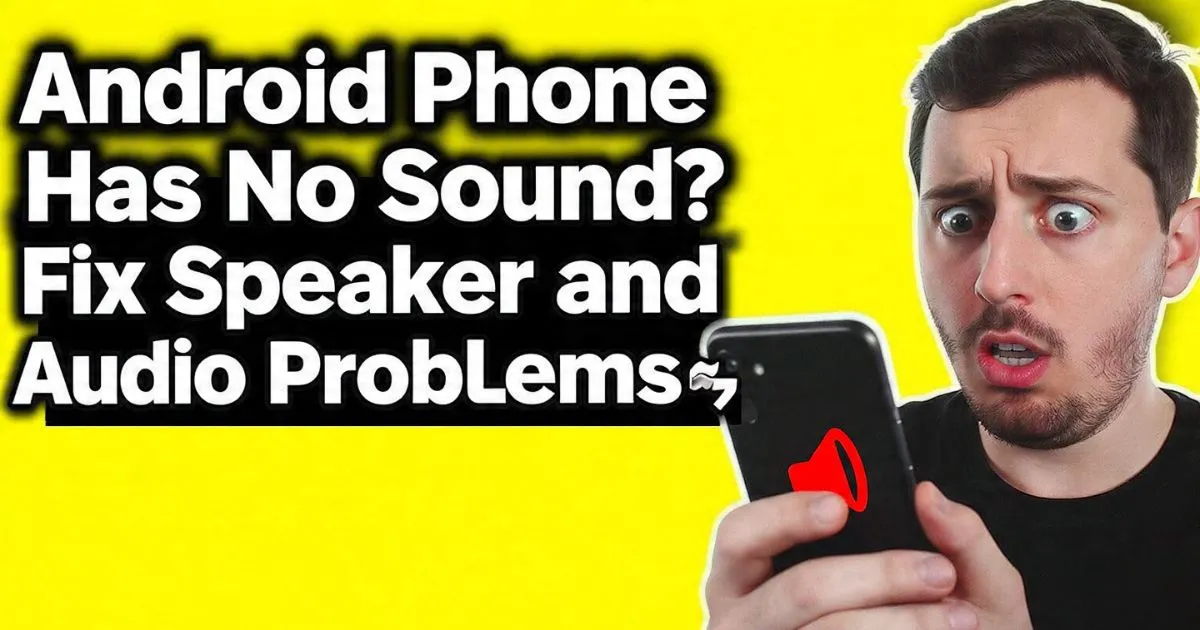
If you’re staring at your device right now, wondering why your android audio is not working, take a deep breath. Before you go spending $150 on a repair or $800 on a new phone, let’s walk through the exact diagnostic steps I use when I’m fixing devices for friends. Most of the time, it’s not a blown speaker—it’s a software glitch or a bit of pocket lint playing tricks on your Android Operating System.
I’ll never forget the morning my Google Pixel decided to give me the silent treatment. I woke up at 9:30 AM—ninety minutes late for a client meeting—because my Android phone had no sound for the alarm. I checked the volume; it was cranked to the max. I played a YouTube video; silence. I tried calling my wife; I couldn’t hear her, and she couldn’t hear me. It felt like my phone’s transducer had simply given up the ghost.
Also Reade : Complete Android Fix Guide: Every Android Problem Solved (2026)
The Basics: Hidden Settings and Volume Sliders
The most common reason an android phone has no sound is actually the simplest: the wrong volume slider is down. Android doesn’t just have one “volume.” It splits audio into Media Volume, Ringtone, Notifications, and Alarms.
Distinguishing Between the Sliders
I’ve seen people get frustrated because their android phone sound is not coming out during a game, but their ringtone works fine. This is because your media volume zero fix is usually just a tap away.
- Press the volume up button on the side of your phone.
- Tap the three dots (or the settings gear) at the top of the volume bar.
- Ensure the “Media” slider is actually up.
The “Do Not Disturb” Trap
This one gets the best of us. Do Not Disturb Mode has become incredibly sophisticated. You might have a “Snooze” or “Schedule” set that you forgot about. If your android phone silent fix isn’t working, check if DND is toggled on in your quick settings. Sometimes, DND is set to “Total Silence,” which even kills your alarms. Check your android do not disturb silent mode fix by going to Settings > Sound > Do Not Disturb and ensuring no schedules are hijacking your audio.
Pro Tip: If you’re using a Samsung, check the “Separate App Sound” feature. I once spent three hours troubleshooting a Samsung S series only to find out the user had routed Spotify audio to a non-existent Bluetooth speaker while keeping system sounds on the phone.
The Phantom Connection: Bluetooth and Headphone Issues
Is your android phone speaker working but no sound fix eluding you? Your phone might think it’s talking to something else.
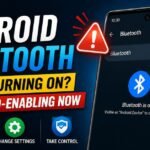
Stray Bluetooth Hijacking
If your android phone no sound bluetooth connected fix is what you’re looking for, it’s likely your phone is still paired to your car in the garage or a pair of earbuds in your gym bag across the house. Android uses the Bluetooth A2DP (Advanced Audio Distribution Profile) to send high-quality audio to external devices. If this is active, your internal speakers are bypassed entirely.
- The Fix: Swipe down the notification shade and toggle Bluetooth off. If the sound suddenly blasts out of your phone, you found the culprit.
also fix : Android Microphone Not Working, Android Bluetooth Not Working, Android Phone Not Charging, Android Apps Keep Crashing

The “Headphone Mode” Glitch
This is a classic. Your android phone thinks headphones are plugged in fix is often a physical issue. If you have an older phone with a 3.5mm jack, or even a USB-C port, a tiny piece of conductive lint can trick the phone into thinking a headset is connected. This triggers the DAC (Digital-to-Analog Converter) to send signals to the port instead of the speakers.
- The Fix: Get a toothpick (carefully!) or a blast of compressed air. I once pulled a literal ball of denim lint out of a charging port that had kept a Redmi phone in “headphone mode” for three days.
Physical Inspection: Cleaning Your Speakers Like a Pro
If your android phone sound is muffled fix or android phone sound crackling fix is your primary concern, we are likely looking at a hardware obstruction.
The Speaker Grille Maintenance
Your speaker grille is a magnet for skin oils, makeup, and dust. Over time, this creates a crust that dampens the transducer’s ability to move air.
- The Tool: Use a dry, soft-bristled toothbrush.
- The Technique: Tilt the phone so the speaker faces down (so gravity helps the dust fall out) and gently scrub the grille.
- The “Tape Trick”: For fine dust or iron filings (common if you work in construction or a shop), use a small piece of painter’s tape. Press it gently against the grille and pull. It’s incredibly satisfying to see the gunk it lifts.
Avoiding Common Mistakes
Whatever you do, never stick a needle or a pin into the speaker holes. You will puncture the delicate membrane of the speaker, and then you’ll be looking for an android speaker replacement cost instead of a free DIY fix. Also, avoid liquids. Even if your phone is IP68 rated, liquid can get trapped in the mesh, leading to android phone sound distorted fix issues for hours until it dries.
Software Deep-Dive: Safe Mode and System Settings
Sometimes the android audio not working isn’t because of the hardware, but because of a rogue app you downloaded last week.
Booting into Safe Mode
This is the “Gold Standard” of diagnostics. Safe Mode runs the Android Operating System without any third-party apps.
- Hold the Power button.
- Long-press the “Power Off” icon on the screen until “Reboot to Safe Mode” appears.
- Once in Safe Mode, try playing a default ringtone. If the sound works here, a third-party app (like a bass booster app, volume booster app, or a sketchy equalizer app) is causing a conflict. You’ll need to uninstall recent apps one by one.
The Hidden Accessibility Setting
I once helped a reader who had android no sound Motorola issues. It turned out they had accidentally toggled “Mute all sounds” in the Accessibility Settings.
- Go to Settings > Accessibility > Hearing (or Audio).
- Ensure “Mute all sounds” is toggled OFF. This setting is a global override that ignores every other volume slider on the device.
System Cache and Updates
If your android phone no sound after update (like the recent Android 14 update or Android 15 update), the System Cache might be corrupted. While newer Android versions don’t allow you to clear the cache partition as easily as they used to, a simple “Reset App Preferences” in the system settings can often kickstart the System UI audio drivers back into gear.

Advanced Diagnostics and Hardware Testing
If you’ve tried everything and your android phone loudspeaker no sound fix is still failing, it’s time to use the secret “doctor” menus built into your phone.
The Android Secret Diagnostic Menu
Most Android phones have a hidden “Hardware Diagnostic Menu.”
- For Samsung users (android speaker hardware test samsung): Open the phone dialer and type
*#0*#. This opens a tile menu. Tap “Speaker.” It will play a loud, annoying song. If it plays, your hardware is fine, and your issue is definitely software. - For Xiaomi/Redmi/POCO: Go to Settings > About Phone > Kernel Version. Tap “Kernel Version” five times. This opens the CIT (Control and Identification Tool). Find the “Speaker” test.
The “Speaker Cleaner” Frequency Trick
Did your android phone no sound after water damage happen recently? If you dropped your phone in the sink, water might be sitting on the speaker diaphragm.
- Search YouTube or the Play Store for a “Speaker Cleaner” or “Eject Water” sound. These play a specific low-frequency tone that causes the transducer to vibrate violently, literally spitting the water out of the grille. It sounds like a buzzing drone, but it works surprisingly well for an android phone sound buzzing fix.
The Nuclear Option: Factory Data Reset
If your android phone sound stopped working and even the diagnostic menu is silent, but you suspect a deep system bug (common after a major Firmware Update), a Factory Data Reset is the final step. Back up your photos first! If a reset doesn’t fix it, you are looking at a hardware failure.
Expert Insight: If your android phone earpiece no sound fix is what you need (you can hear music but not callers), check the receiver at the very top of the screen. This is a separate speaker from the one at the bottom. If this fails but the loudspeaker works, your “earpiece” transducer is likely dead or disconnected internally—often common after an android phone no sound after drop.
Final Thoughts: Repair or Replace?
If you’ve gone through this list and your android speaker not working is still an issue, it’s time to check your warranty. Most manufacturers (Samsung, Google, OnePlus) cover speaker failure within the first year unless there’s obvious water damage or a cracked screen.
Repairing a speaker usually costs between $50 and $100 at a local shop. It’s a relatively simple part to replace, but it requires opening the phone and breaking the adhesive seals.
Don’t let a silent phone ruin your week. Start with the lint, check the Bluetooth, and 90% of the time, you’ll have your audio back before the next YouTube ad rolls!