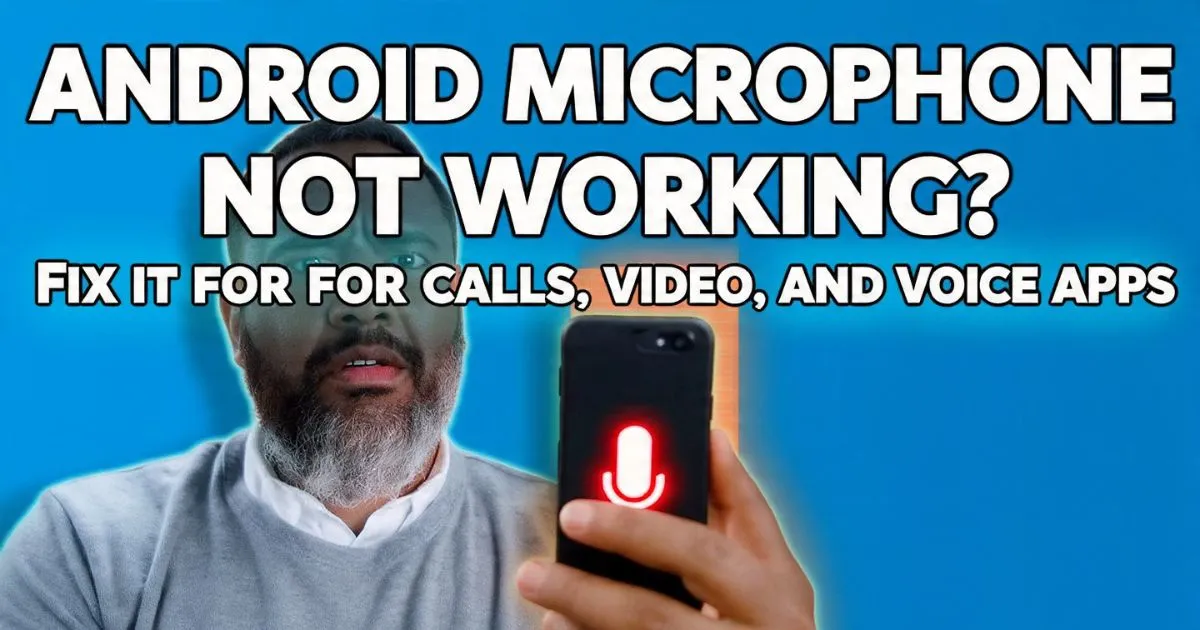
If your android microphone is not working, I feel your pain. Whether your android mic is not working on calls, or your android microphone is not working in whatsapp, it’s one of those “invisible” problems that makes a $1,000 smartphone feel like a paperweight.
I’ve lost count of how many times I’ve heard that sentence while standing behind a repair counter. It’s usually followed by a frustrated customer handing me a flagship Samsung or a sleek Google Pixel, swearing they haven’t dropped it or gone swimming with it. They’ve tried yelling at the phone, they’ve tried blowing into the bottom of it (which, spoiler alert: don’t do that), and they’re ready to trade it in for a literal tin can and some string.
Also Reade : Complete Android Fix Guide: Every Android Problem Solved (2026)
I’ve spent the last decade diagnosing thousands of these audio failures. Some are simple “oops” moments with a Bluetooth setting, while others involve a tiny piece of pocket lint that’s packed tighter than a suitcase on a budget airline. Let’s walk through the exact same diagnostic tree I use in the shop to get your voice back.
1. Immediate Checks: The Quick (and Sometimes Embarrassing) Wins
Before we start messing with your Audio Driver or digging into system settings, we need to rule out the “Duh!” moments. You’d be surprised how often the fix has nothing to do with the phone itself.
The Bluetooth Ghost
Is your phone currently connected to a pair of earbuds sitting in your gym bag in the other room? This is the #1 reason for an android microphone not responding. If your phone thinks it should be pulling audio from a device ten feet away, it’s going to ignore the built-in hardware.
Pro Tip: Swipe down your notification shade and toggle Bluetooth off entirely. Try a voice recording. If it works, you’ve found your culprit—likely a Bluetooth interference issue or just a sticky connection.
also reade : Android Phone Has No Sound, Android Bluetooth Not Working, Android Camera Not Working, Android Apps Keep Crashing Android Microphone Not Working

The Car in the Driveway
Real-world scenario: You’re in your kitchen, and you answer a call. The person can’t hear a word you’re saying. Why? Because your spouse just started the car in the driveway, and your phone automatically jumped to the car’s Bluetooth system. We call this “The Driveway Hijack.” Always check your “Media Output” or “Call Output” to ensure “Phone” is selected.
The “Phantom Jack” Problem
If you’re using an older device with a 3.5mm jack, or a newer one with a TRRS Connector (the fancy name for the 4-pole headphone plug), your phone might think a headset is plugged in even when it isn’t. This usually happens if there’s conductive debris inside the port. A quick peek with a flashlight can save you hours of troubleshooting.

2. Software Permissions: The Digital Mute Switch
Ever since Google got serious about privacy, they’ve added layers of security that can occasionally backfire. If your android microphone is not working on specific apps—like android microphone not working on whatsapp or android microphone not working on tiktok—it’s almost certainly a permission issue.
The Global Kill Switch
Introduced in Android 12, there is now a system-wide toggle for “Microphone Access.” I’ve seen kids accidentally tap this in the Quick Settings menu, effectively silencing the mic for every single app.
- Go to Settings > Security & Privacy > Privacy.
- Look for Microphone Access.
- Ensure it is toggled ON. If this is off, you’ve got an android microphone blocked fix right there.
The Privacy Dashboard
Check your Android Privacy Dashboard. This tool shows you exactly which apps have been using your mic. If you see a random third-party game or a “flashlight” app (never download those, by the way) constantly pinging the mic, it might be “hijacking” the audio stream, preventing your android microphone not working during calls.
The Permission Fix
If you’re wondering how to fix android microphone permission, it’s simple:
- Long-press the app icon (e.g., WhatsApp).
- Tap the “i” (App Info) icon.
- Go to Permissions > Microphone.
- Select “Allow only while using the app.”
I once spent forty minutes trying to “repair” a OnePlus Nord only to realize the user had accidentally set Zoom to “Don’t Allow” for the microphone. Lesson learned: always check the software first.
3. Physical Maintenance: Cleaning without Damage
This is where things get delicate. Most modern phones (like the Samsung S series or Pixel) have at least two microphones: a primary one at the bottom for calls and a secondary one near the top for Noise Cancellation and video recording.
The Toothpick Trap
Listen to me carefully: Never, ever stick a sewing needle, a safety pin, or a sharp toothpick into those tiny microphone holes. I’ve seen hundreds of DIY “fixes” end in a microphone replacement fix because the user punctured the delicate acoustic membrane that keeps water out.
The Right Way to Clean
If your android microphone is muffled or you need an android microphone lint blockage fix, use these:
- A Soft-Bristled Toothbrush: Gently scrub the bottom speaker and mic grills. This breaks up dried skin cells and oils.
- Compressed Air: Hold the can at a distance. You don’t want to blast the internal components with high-pressure air, just enough to dislodge loose dust.
- Blue-Tack / Mounting Putty: This is my secret weapon. Press a small piece of putty over the mic hole and pull it away quickly. It’ll pull out the “gunk” that brushes can’t reach.
If your android microphone is quiet or you have a low volume fix need, it’s usually just a layer of “pocket felt” acting as a mute button.
4. Troubleshooting App Interference & Driver Glitches
Sometimes, the Audio Driver simply crashes. It happens. If you’ve noticed your android microphone not working after update (especially common with android 14 or android 15 rollouts), it’s likely a software conflict.
Safe Mode: The Truth Teller
If you want to know if a third-party app is causing your android microphone not responding, you need Safe Mode.
- Hold the power button.
- Long-press the “Power Off” icon on the screen until “Reboot to Safe Mode” appears.
- Once in Safe Mode, try making a standard phone call.
If the mic works in Safe Mode, one of your downloaded apps is the villain. Usually, it’s something with “Screen Recording,” “Equalizer,” or “Voice Changer” capabilities. You’ll need to uninstall those one by one.
Clearing the System Cache
If you’re seeing android microphone distorted or android microphone crackling, clearing the System Cache Partition can work wonders. This doesn’t delete your photos or data; it just clears out the “temporary” files the OS uses. Note: The method varies by manufacturer (usually involving holding Volume Up + Power during boot), so check a guide specific to your Xiaomi, Realme, or Motorola.
Expert Insight: If your android microphone is not working on all apps, but works fine on speakerphone, your phone is likely switching between the primary (bottom) and secondary (top) mics. If the bottom one is dead, speakerphone often works because it utilizes the top mic instead!
5. Advanced Hardware Diagnostics
When the basic “turn it off and on again” doesn’t work, we have to get technical.
Manufacturer Secret Codes
Most Android phones have a hidden Hardware Diagnostic Menu. This is the exact tool I use to verify android microphone hardware failure signs.
- Samsung: Open the dialer and type
*#0*#. Tap on “Receiver” or “Loopback” to test the microphones. You can also use the Samsung Members App which has a built-in “Diagnostics” section. - Pixel/Motorola: Use the “Help” or “Device Help” app to run a hardware test.
- Xiaomi/Redmi: Tap on “Kernel Version” in the “About Phone” settings multiple times to enter the CIT menu.
When it’s a Hardware Death Sentence
If you’ve tried a factory reset and the mic still doesn’t pick up a single decibel in the diagnostic menu, you’re looking at a physical failure.
- Android microphone not working after drop: The solder joints on the tiny MEMS microphone can crack.
- Android microphone not working after water damage: Even “water-resistant” phones can suffer from corrosion on the microphone’s gold contacts.
- Android microphone not working after screen replacement: I see this a lot. A technician might have forgotten to transfer the rubber microphone gasket or accidentally nicked the ribbon cable.
Cost of Repair
An android microphone replacement fix isn’t usually as expensive as a screen. On a Samsung A series or a OnePlus Nord, it’s often part of a “Sub-Board” that includes the charging port. Expect to pay anywhere from $60 to $120 at a reputable shop.
Summary Checklist: Why Can’t People Hear Me?
If you’re in a hurry, here is the “Cheat Sheet” for fixing your android mic not working on calls:
- Check Bluetooth: Turn it off to ensure no “phantom” connections.
- Clean the Port: Use a toothbrush or putty. No needles!
- Check the Toggle: Ensure “Microphone Access” is ON in Privacy settings.
- Test in Safe Mode: Does it work without 3rd-party apps?
- Run Diagnostics: Use the
*#0*#code (for Samsung) to verify hardware health. - Verify the App: Check if android microphone is not working on whatsapp specifically (it might just need a permission update).
It’s incredibly rare for a microphone to just “die” for no reason. 90% of the time, it’s a software setting, a clogged port, or a rogue app. Take a breath, grab a toothbrush, and let’s get that android microphone fixed.
If you’ve tried everything above and you’re still getting the “silent treatment,” it might be time to visit a pro. Just remember: if they tell you that you need a whole new motherboard for a mic issue, get a second opinion! Most mic fixes are much simpler than that.
Have a specific model like a Pixel 8 or a Galaxy S24 with this issue? Let me know in the comments, and I’ll give you the specific steps for your device!