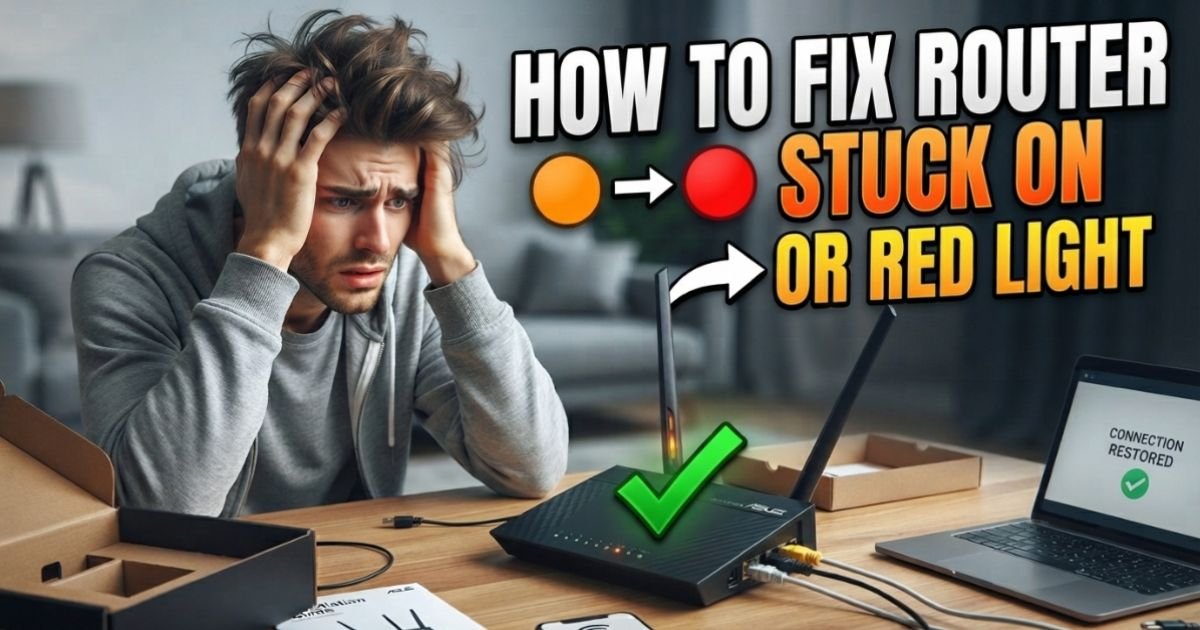
How to Fix Router Stuck on Orange or Red Light.I’ve spent over a decade crawling behind dusty server racks and troubleshooting home networks across the United States. If there’s one thing that triggers immediate “tech-panic” for most folks, it’s seeing that dreaded, unblinking red eye on their wireless router right when they’re about to jump into a Zoom call or start a Netflix binge. It’s like the router is staring at you, mocking your lack of connectivity.
Last winter, during a particularly nasty blizzard in the Northeast, my own router decided to throw a “solid red globe” tantrum. I knew the lines were probably fine, but the hardware had lost its mind after a brief power flicker. Whether you are dealing with an Xfinity gateway blinking orange or a Verizon Fios router red globe light fix, the solution usually boils down to a few mechanical and logical steps. Let’s get your Wi-Fi back on track before you burn through your entire mobile data plan.
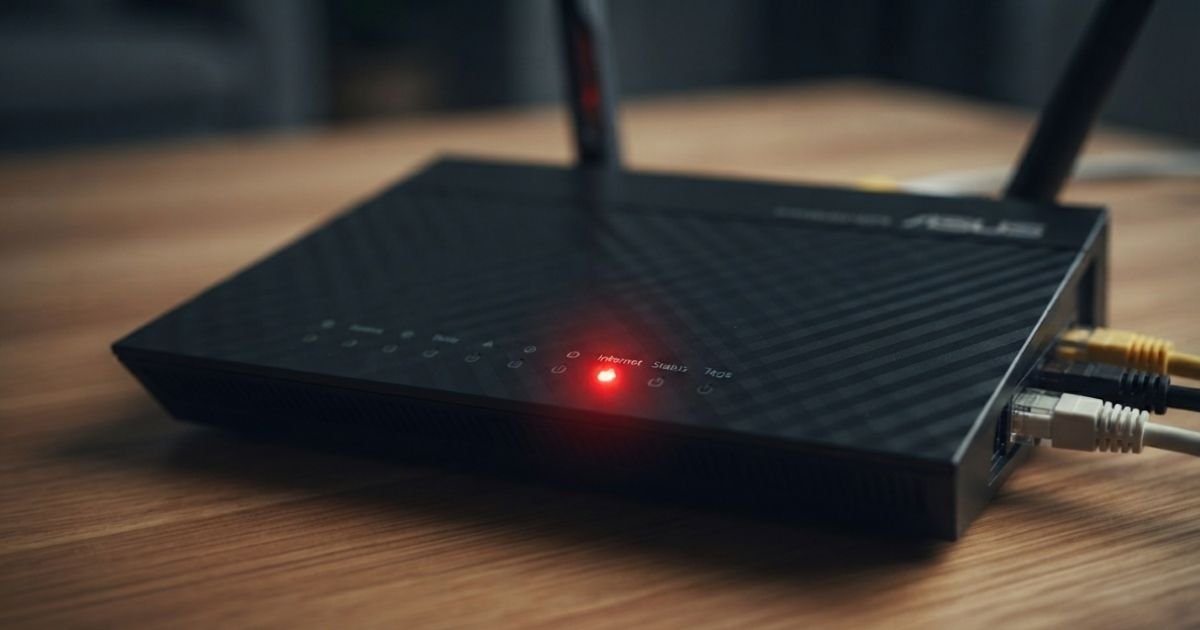
Decoding the Signal: What Do Red and Orange Lights Actually Mean?
Before we start pulling cables, we need to speak the router’s language. Every manufacturer has a slightly different way of telling you “I’m broken.”
If you are looking for a Spectrum router red light fix 2026, you should know that a solid red light on their latest Wi-Fi 6 routers typically means the device can’t “see” the internet signal from the modem. However, if you see a fix cox panoramic wifi blinking orange, that usually means the device is in the middle of a registration process or a firmware update. Do not unplug it during this! You’ll “brick” the device—basically turning a $200 router into a plastic paperweight.
Here is a quick cheat sheet for the big players:
- Netgear: A solid red “Internet” LED (the world icon) means the physical connection is there, but the IP address hasn’t been assigned.
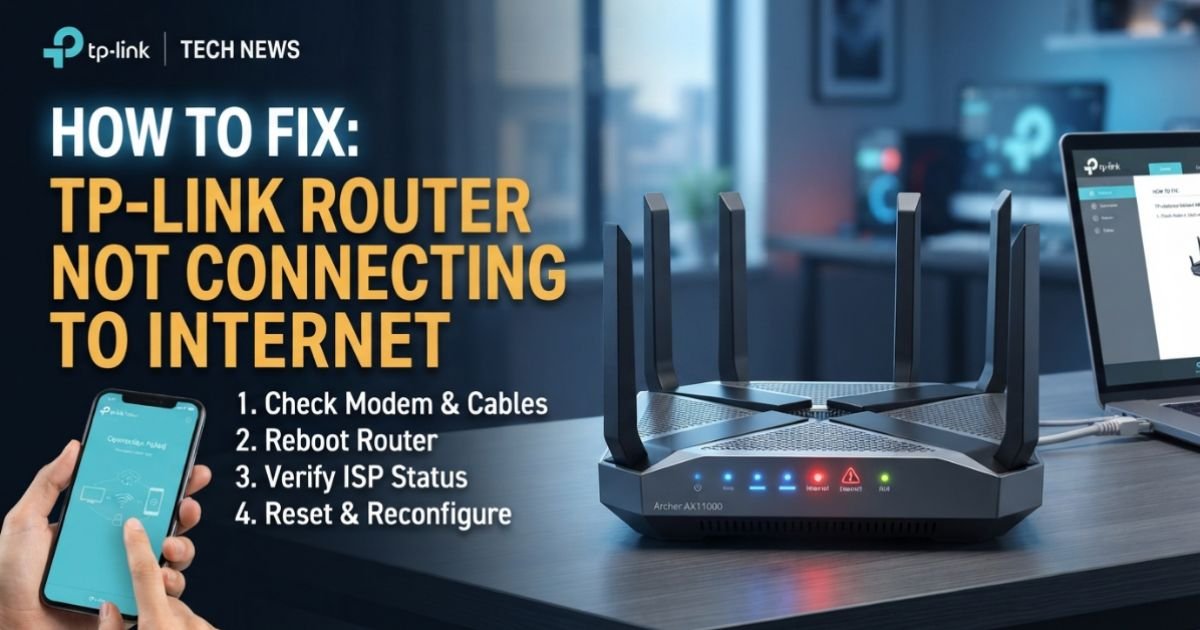
- TP-Link: An orange light internet not working signal on these units usually points to a DHCP failure. The router is asking for an address, and the ISP isn’t answering.
- Xfinity (Comcast): A blinking orange light usually indicates the gateway is trying to establish a downstream connection. If it lasts more than 15 minutes, you have a problem.
- Verizon Fios: A solid red light on the front of the G3100 or CR1000 models is a hardware or connection fail.
The First-Response Checklist: The 30-30-30 Rule
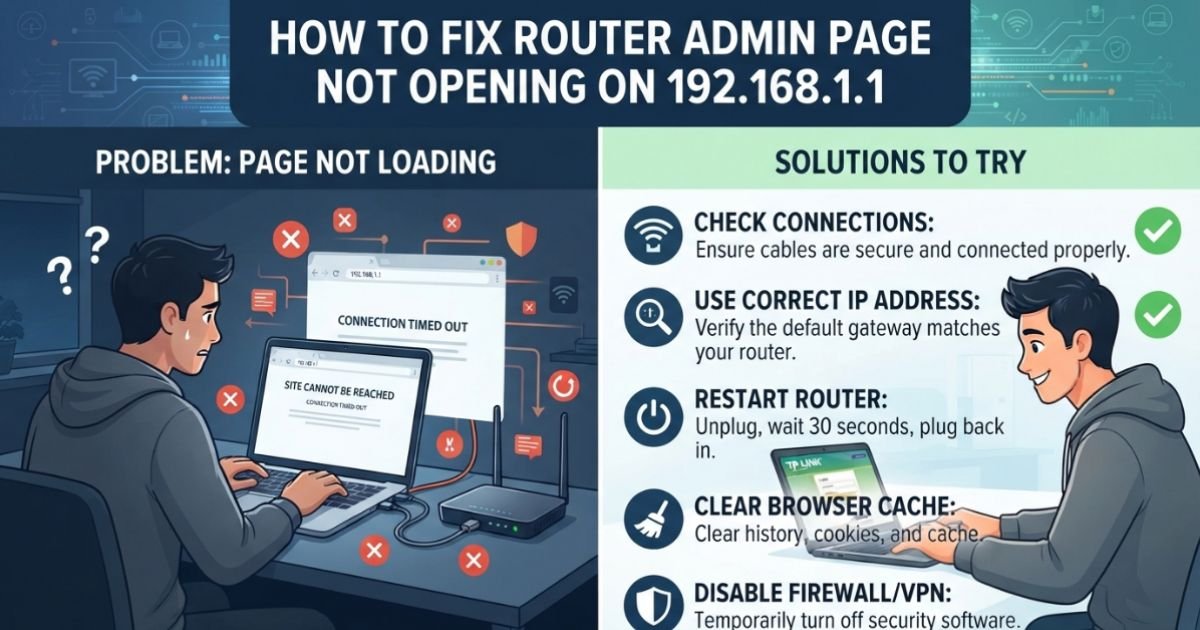
I’ve seen too many people jump straight to buying a new router when a simple power cycle would have fixed it. But there is a specific order to the madness. If you just yank the cord and plug it back in, you might actually make the “handshake” between your Modem and Wireless Router even more confused.
The Expert Power Cycle Order:

- Unplug both the modem and the router from the wall.
- Wait at least 60 seconds (I use this time to check for dust in the ports).
- Plug the modem back in first. Wait for the “Online” or “Sync” light to go solid green.
- Only then, plug in the router.
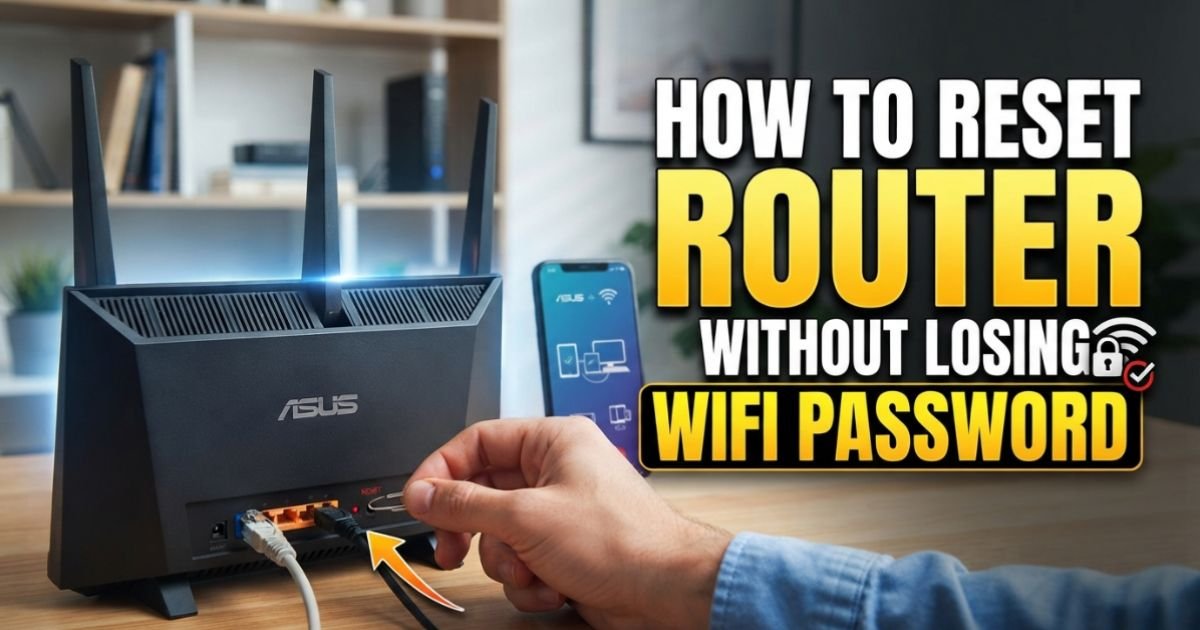
If that doesn’t work, we go to the “Nuclear Option”: the 30-30-30 Reset. This is how to reset a router after a power outage has scrambled its internal logic. With the router powered on, hold the reset button for 30 seconds. While still holding it, unplug the power for 30 seconds. Finally, while still holding the button, plug the power back in and hold for another 30 seconds. This clears the NVRAM and returns the unit to factory specs.
Physical Layer Troubleshooting: Check Your “Clicks”
In my technician days, 40% of my service calls were solved by pushing a cable in until it clicked. We call this “Layer 1” troubleshooting.
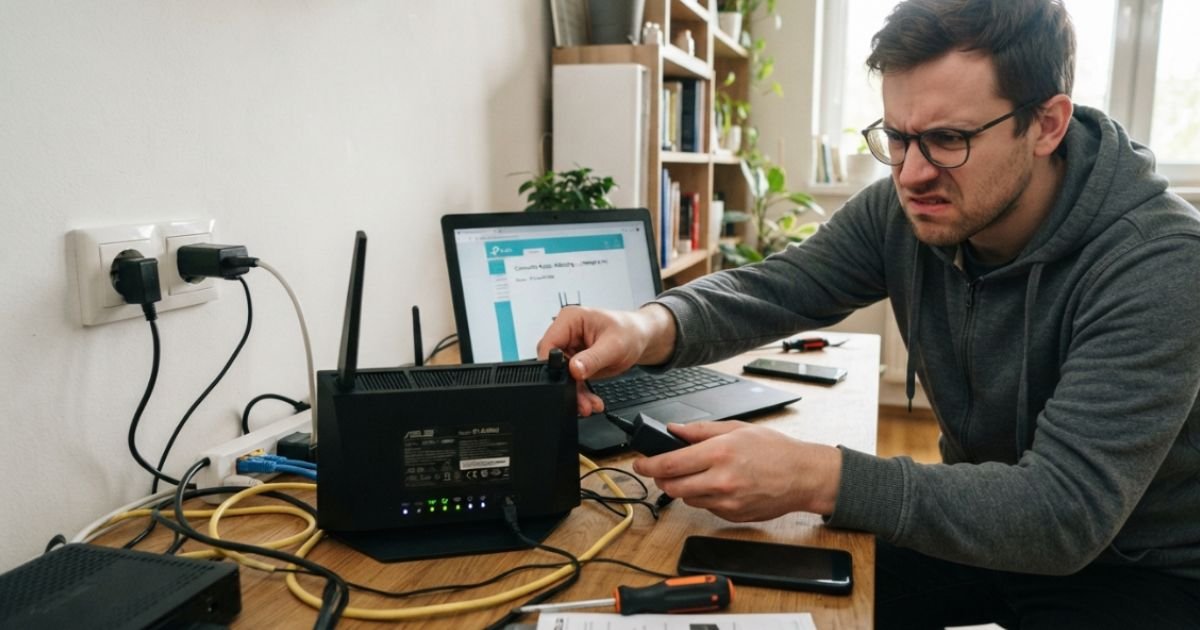
Check the Ethernet cable connecting your modem to the WAN port (usually blue or yellow) on your router. These cables have a little plastic tab that breaks off easily. If that tab is gone, the cable can shimmy out just enough to lose the connection while still looking like it’s plugged in.
Also, look at your Coaxial cable (the thick round one) if you’re on Spectrum or Xfinity, or your Fiber optic ONT if you have AT&T Fiber. If there’s a sharp bend or a kink in the cable near the Wall Jack, the copper or glass inside could be fractured. I once found a red light issue caused by a puppy chewing on the “tasty” Ethernet cord behind a sofa.
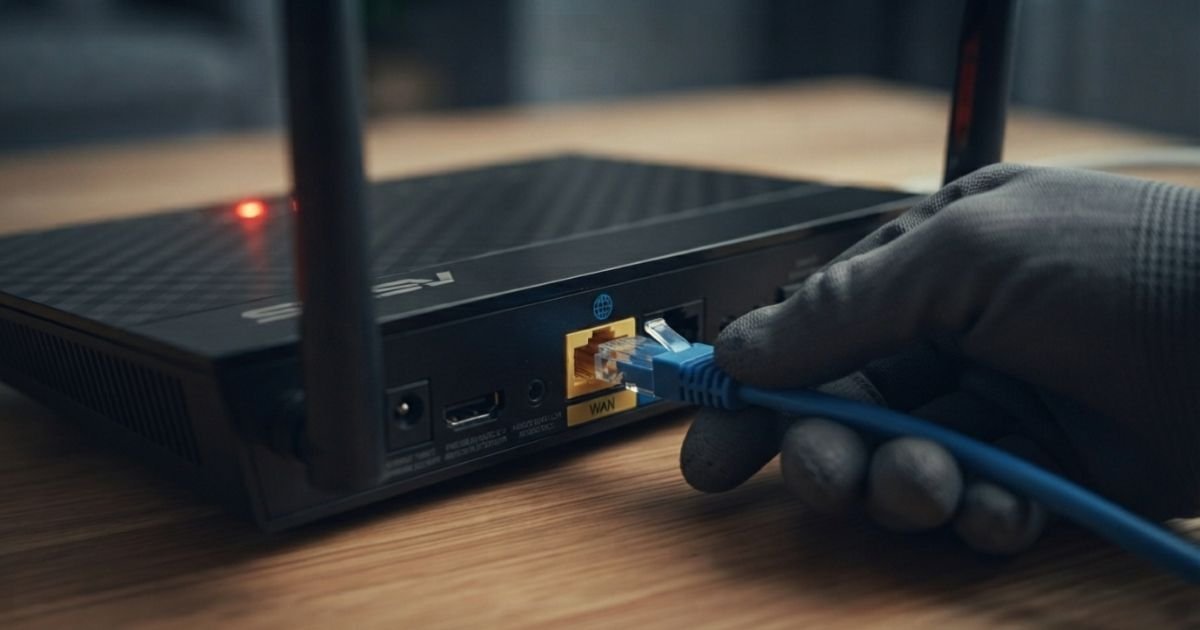
External Factors: ISP Outages vs. Equipment Failure
Sometimes, the red light isn’t your fault. If you’re wondering why is my netgear router light red, the answer might be miles away at a central office.
Before you start messing with settings, check a local outage map. US-based users should check the “Xfinity My Account” app or the Spectrum “Check Service Status” page. Weather-related outages are huge in the states; a summer hurricane in Florida or a blizzard in the Midwest can take out a node three towns over, and all you see is a blinking orange light.
Pro Tip: The FCC regulated “DownDetector” check. If you see a massive spike on DownDetector for your specific ISP in your city, put the screwdriver down. No amount of resetting will fix a cut fiber line in the street.
Software and Configuration Fixes
If your hardware is fine and the ISP says the signal is “green,” we need to look at the brain of the router.
MAC Address Cloning
This is a “hidden” trick I used all the time. Some ISPs, like Spectrum or Cox, “remember” the first device you plugged into their modem. If you bought a new router and now it’s stuck on a red light, the ISP might be blocking it because it doesn’t recognize the hardware ID (MAC Address).
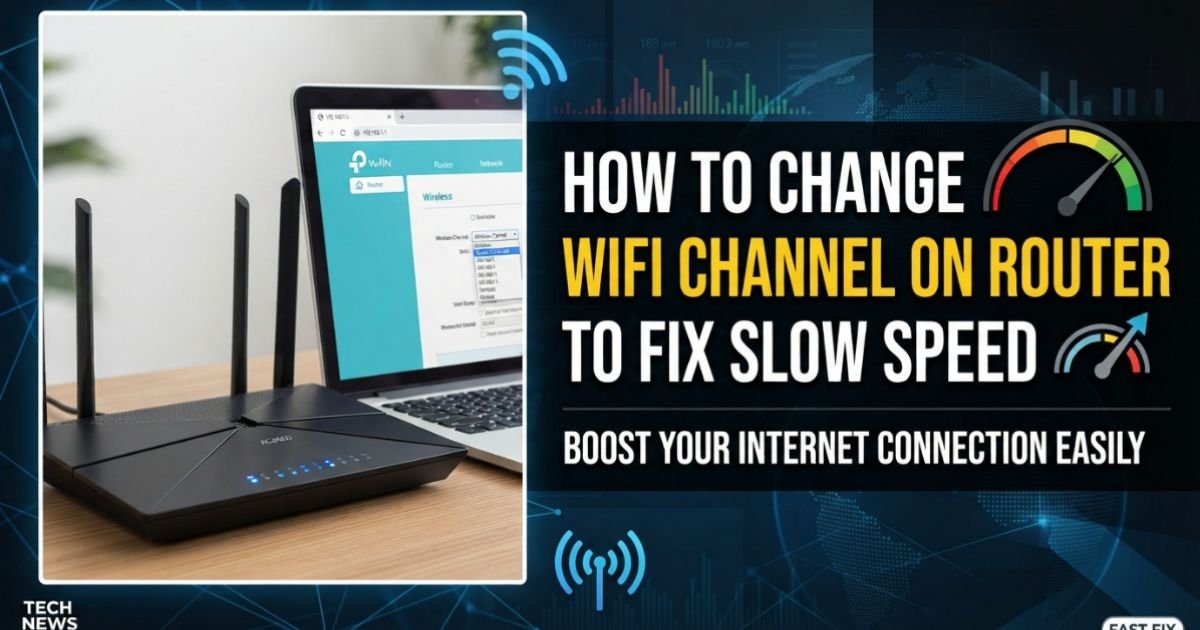
- Log into your router settings (usually
192.168.1.1). - Find the “Internet” or “WAN” tab.
- Select “Use Computer MAC Address” or “Clone MAC Address.”
- Save and reboot. This often fixes the tp link orange light internet not working error instantly.
DNS Server Issues
Sometimes the light is red because the router can’t translate “google.com” into an IP Address. This is a DNS Server failure. I always recommend bypassing your ISP’s default DNS. Switch your settings to use Google’s DNS (8.8.8.8 and 8.8.4.4) or Cloudflare (1.1.1.1). It’s faster, more reliable, and can often bypass regional routing “glitches” that cause orange light warnings.
When to Call It Quits: Signs Your Router Is Fried
I hate to be the bearer of bad news, but electronics have a lifespan. If you’ve done a factory reset and the router blinking red but internet works (yes, this happens when the LED controller fails), or if the light stays solid red even with no cables plugged in, the internal flash memory might be corrupted.
Signs of Hardware End-of-Life:
- The router feels excessively hot to the touch (heat kills capacitors).
- There’s a faint high-pitched whining sound (coil whine).
- The lights stay solid even during a power-up sequence.
If you’re on a leased “Panoramic Wifi” or “Xfinity Gateway,” just take it to the local store and swap it. They usually do it for free. If it’s your own Netgear or ASUS and it’s over 4-5 years old, it might be time to upgrade to a Wi-Fi 6 or 6E system.
Frequently Asked Questions
Q: Why is my Spectrum router blinking red after a reset?
A: This usually means it is trying to download the latest Firmware. Spectrum routers are notorious for forced updates after a factory reset. Give it at least 20 minutes. If it’s still blinking, there is likely a signal issue at the Wall Jack or a local outage.
Q: Can a bad Ethernet cable cause an orange light?
A: Absolutely. If an Ethernet cable is damaged, it might only support 10/100 Mbps instead of Gigabit speeds. Some routers (like TP-Link) will change the LED color to orange to warn you that the “handshake” speed is lower than it should be, or that it’s losing packets.
Q: My Xfinity gateway is blinking orange, but I have no internet. What do I do?
A: First, check the Xfinity app to see if your modem is “Reached.” If the app can’t see the modem, the coax cable might be loose. Tighten the silver bolt on the back of the gateway and the wall. If that fails, the “upstream” signal is likely too weak, requiring a technician to check the lines outside your house.
Q: Is there a difference between a blinking red light and a solid red light?
A: Yes. Usually, a blinking red light means the router is actively trying to connect but failing (negotiation error). A solid red light often indicates a “hard failure,” meaning it doesn’t detect a cable plugged into the WAN port at all, or the internal hardware has failed a self-test.
Q: How do I fix the “Verizon Fios router red globe light”?
A: This is almost always a failure of the router to get an IP from the ONT (the box where the fiber enters your house). Go to your ONT, unplug its power supply (and battery backup if it has one) for 30 seconds, then plug it back in. Once the ONT lights are green, the router globe should return to white.
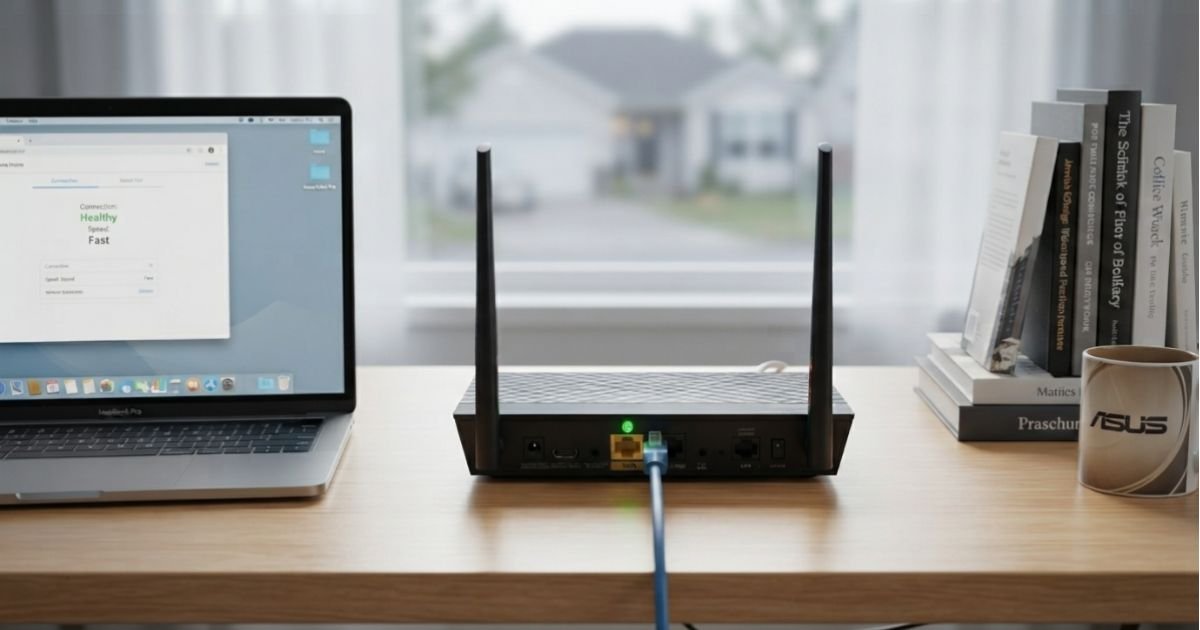
In my experience, 90% of these “light shows” are solved by patience and the correct power-cycling sequence. We live in an age of complex handshakes between devices; sometimes they just need a second to “talk it out.” If you’re still stuck, it might be time to look at the age of your equipment—technology ages in dog years, and that old router might just be tired.