If you’ve ever wondered why is my android phone so slow at the exact moment you need it, you’re not alone. Whether you’re trying to multitask during a remote shift or just trying to open the camera before your cat does something cute, Android lag is a soul-crushing experience.
After years of troubleshooting my own devices—from budget-friendly Pixels to high-end Snapdragon-powered flagship Samsungs—I’ve realized that most “speed boost” advice online is garbage. No, you don’t need a “Booster App” (those actually make it worse). You need to address the actual bottlenecks in the Android OS.
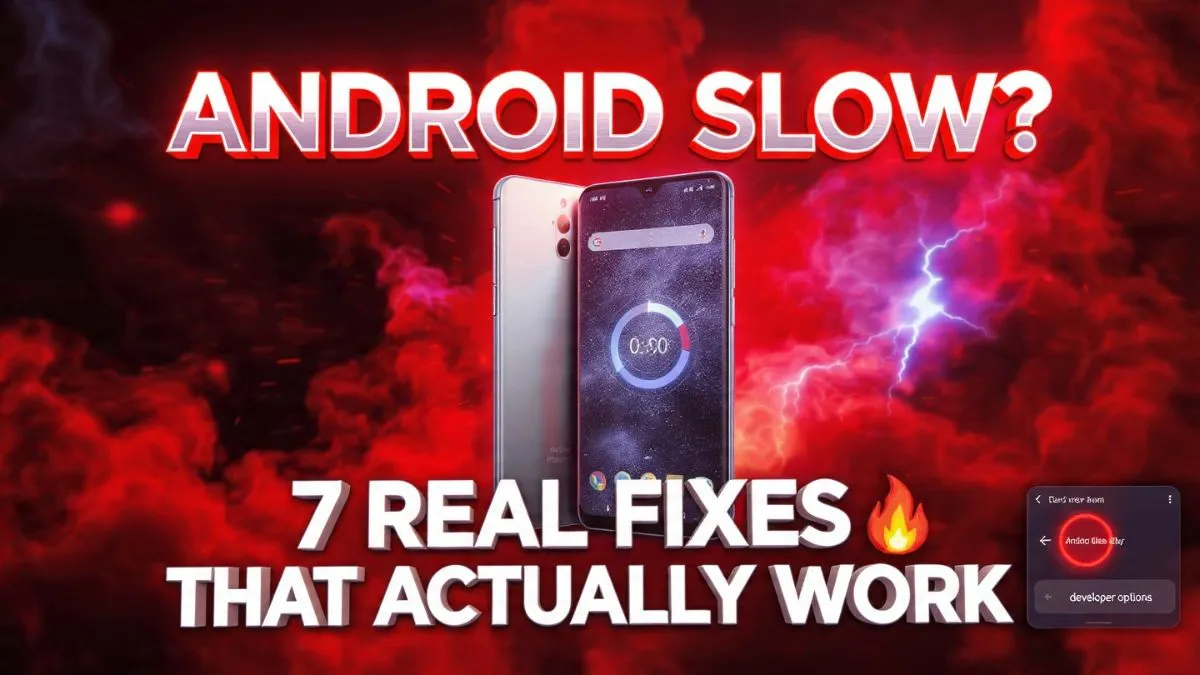
Here are 7 real-world fixes that actually work to speed up Android phone performance in 2024 and beyond.
also read : Android Phone Has No Sound, Android Bluetooth Not Working, Android Camera Not Working, Android Apps Keep Crashing, Android Microphone Not Working
The Productivity Killer: Why Android Lag Feels Worse at Work
When we talk about android phone running slow fix strategies, we first have to distinguish between two things: System Lag and Network Latency.
If your TikTok videos are buffering, that’s your Wi-Fi. But if your android phone delay touch response is making you mistype every single message, or if your android apps are slow to open, that’s a system bottleneck. Usually, it’s a fight between your hardware (the Snapdragon or Exynos chip) and the software (the millions of lines of code in your firmware updates).
As someone who relies on my phone for 2FA codes, Slack notifications, and the occasional meme-dump, I’ve noticed that phones don’t just get slow “because they’re old.” They get slow because they are suffocating.
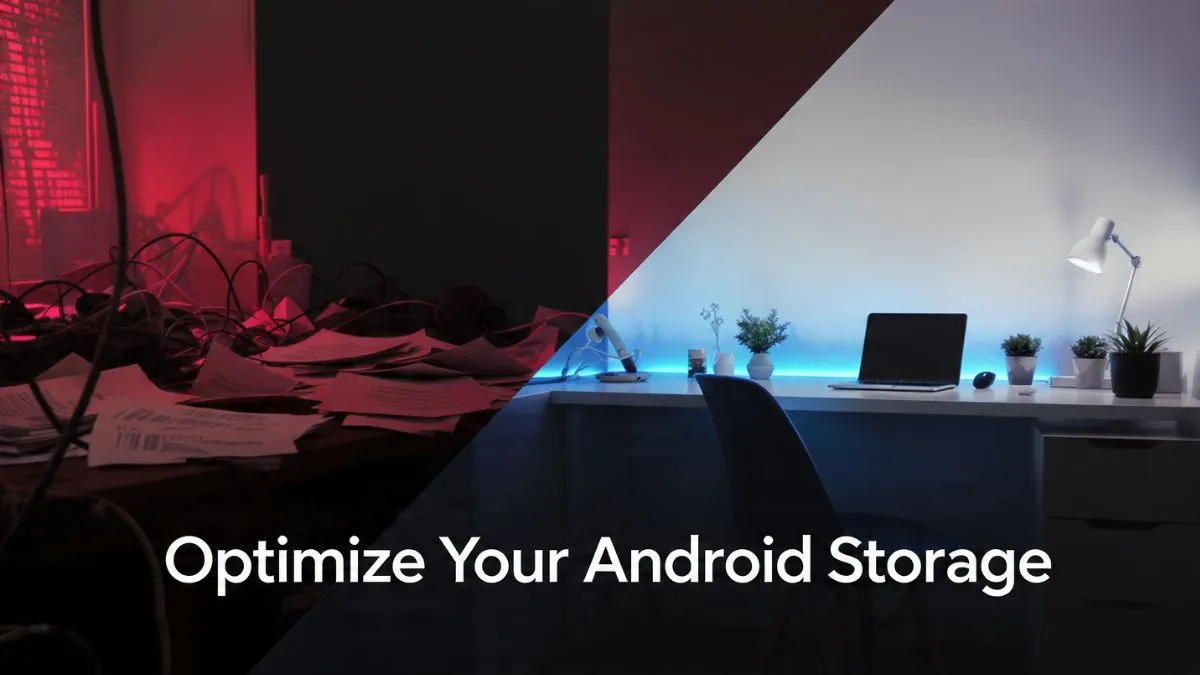

Fix 1: The Storage Threshold (Don’t Hoard Your Memes)
This is the number one reason why my Samsung phone is slow. Most people don’t realize that your phone’s Internal Storage (UFS) behaves differently than a traditional hard drive. When you cross the 90% capacity mark, the “Write Amplification” effect kicks in. Basically, the storage controller has to work twice as hard to find “holes” to write new data into.
I’m a meme hoarder. My WhatsApp “Sent Media” folder is a graveyard of 4,000 relatable office jokes. This was killing my phone.
The Fix:
- Check your limit: Go to Settings > Storage. If you see red, you’re in the danger zone.
- Files by Google: Download this app. It’s the only “cleaner” I trust. Use the “Clean” tab to find blurry photos, large files, and memes you haven’t looked at since 2021.
- The 20% Rule: Aim to keep at least 20% of your storage free. If you have 128GB, try to keep 25GB empty. This gives the Android OS room to move files around without choking.
If you’re asking how much storage should android have free, that 20% buffer is the sweet spot for avoiding that “suddenly slow” feeling.
Also Reade : Complete Android Fix Guide: Every Android Problem Solved (2026)
Fix 2: The 0.5x Animation Hack for Instant Snappiness
If you want to know how to fix slow android phone without reset, this is the single best “trick” in the book. It doesn’t technically make the processor faster, but it makes the perceived speed feel lightning-fast.
Every time you open an app, Android plays a little animation. These animations look pretty, but they take time. We’re going to cut that time in half.

Step-by-step guidance:
- Go to Settings > About Phone.
- Find the Build Number and tap it 7 times. You’ll see a message saying “You are now a developer!”
- Go back to Settings > System > Developer Options.
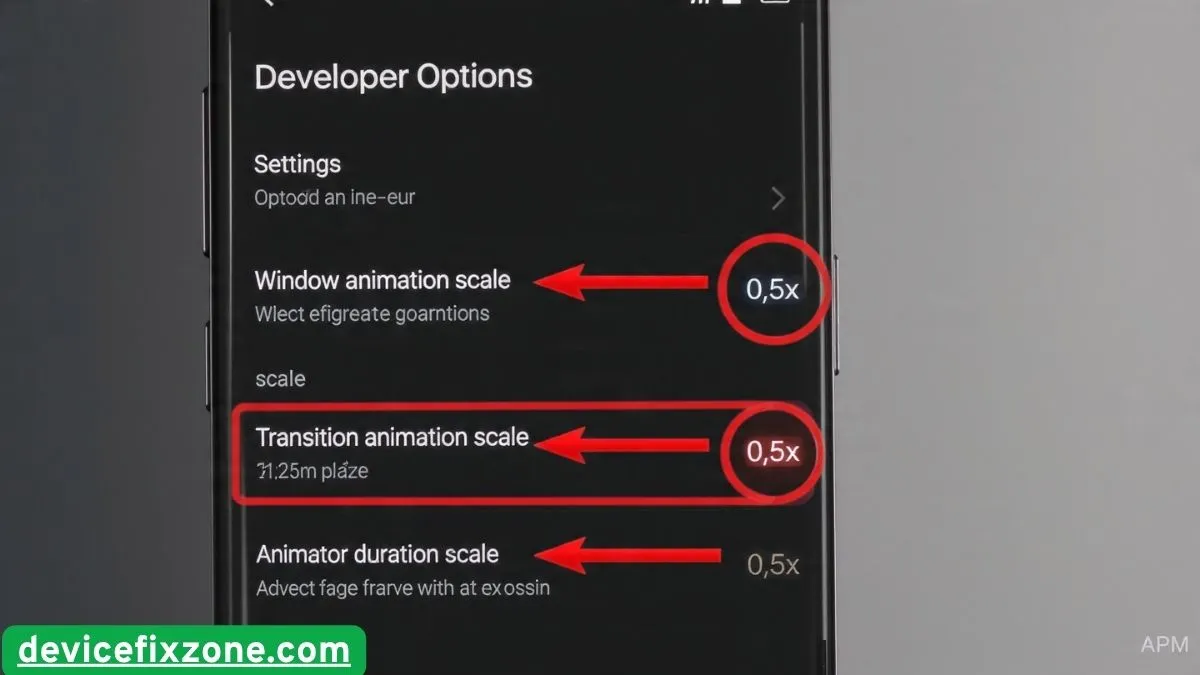
- Scroll down (way down) until you find these three:
- Window animation scale
- Transition animation scale
- Animator duration scale
- Change all of them from 1x to 0.5x.
The moment you do this, your phone will feel like it just had three shots of espresso. This is one of those hidden android settings to speed up phone usage that most people never find.
Fix 3: Surgical Cache Management (Stop the “Cleaner” Apps)
You’ve probably asked yourself: should i clear cache on android? The answer is yes, but specifically.
Every app stores “temporary” files (cache) to load faster. But apps like Slack, Discord, and Spotify can balloon to several gigabytes of cache. I once found 3GB of “ghost space” in my Slack cache alone. However, stay away from “RAM Booster” or “Clean Master” apps. They stay in the background, drain your battery, and contain bloatware.
The Better Way:
- App-specific: Go to Settings > Apps > [Heavy App] > Storage > Clear Cache. Never “Clear Data” unless you want to log in again and lose your settings.
- System-wide (The Pro Move): If your android phone keeps lagging, you might need to wipe the Cache Partition. This requires turning the phone off and holding the Power + Volume Up buttons to enter Recovery Mode. Use the volume keys to select “Wipe Cache Partition.” (Be careful here—don’t hit factory reset by mistake!)
This is the best way to speed up old android phone models without losing your precious photos.
Fix 4: Taming Background Processes and “Vampire Apps”
Some apps are like that one coworker who pings you on a Saturday—they never stop working. These are “Vampire Apps” that suck up your RAM Management resources in the background.
Google Play Services is often a culprit, but you can’t disable that. Instead, look for social media apps. Facebook and Instagram are notorious for staying active even when closed.
How to fix:
- Check Background Usage: In Developer Options, look for “Running Services.” This shows you exactly what’s eating your RAM right now.
- Battery Optimization: Go to Settings > Battery > Battery Optimization (or Background usage limits on Samsung). Put apps you don’t need notifications from into “Deep Sleep.”
- The “Vampire” Kill: If you notice android phone slow charging and lagging, it’s often because an app is running hot in the background. Thermal Throttling kicks in, slowing your CPU to keep the phone from melting. Close those background hogs!
Fix 5: The “Lite” Lifestyle and Bloatware Removal
If you’re on an older device and wondering how to make my android faster, you need to stop asking it to run heavy flagship software.
Bloatware is the “junk” your carrier (Verizon, AT&T, etc.) pre-installs. Apps like “DT Ignite” or random “Games” folders are basically parasites.
The Strategy:
- Uninstall/Disable: Go to your app list and disable anything you didn’t personally install.
- Go Lite: Use Facebook Lite, Messenger Lite, or Google Go. These apps are designed for lower RAM and slower processors. They don’t look as flashy, but they don’t lag when you’re trying to send a quick message.
- Web Shortcuts: Instead of the heavy Amazon or Twitter app, use Chrome to “Add to Home Screen.” It’s basically the same thing but uses zero background RAM.
Fix 6: Update Firmware, but Wait for the “Patch”
I’ve seen people ask: why is my android phone slow after update fix? It’s a real thing. Sometimes a new version of Android is poorly optimized for older hardware.
However, firmware updates also include vital “driver” updates for your Snapdragon processor and security patches that fix bugs causing android phone freezing and lagging.
My Rule of Thumb: Install security patches immediately. But for a major OS jump (like Android 13 to 14), wait two weeks. Check Reddit or forums to see if people are complaining about android slow performance solution issues on your specific model.
Fix 7: The “Nuclear Option” (When All Else Fails)
If you’ve tried everything and you’re still screaming “why is my phone so slow all of a sudden,” it’s time for the Fresh Start.
A Factory Reset is the “Nuclear Option.” It wipes everything. But here’s the secret: it works because it clears out years of “system cruft”—leftover files from apps you deleted in 2022, corrupted database entries, and bad configuration files.
Before you do it:
- Back up your photos to Google Photos.
- Ensure your WhatsApp backup is current.
- Make sure you know your Google account password (you’ll need it for Factory Reset Protection).
I do a factory reset once a year on my daily driver. It’s the only way to make old android phone fast again and truly feel like you just took it out of the box.
FAQs: Answering the “Why” Behind the Lag
Why is my android phone suddenly so slow? Usually, it’s a rogue app update or your storage hitting that 90% “danger zone.” Check your recently updated apps in the Play Store first.
Does deleting apps make phone faster? Only if those apps were running background processes or taking up critical storage space. Deleting 100 tiny utility apps won’t do much, but deleting one “Vampire” app like Facebook can make a huge difference.
Can malware slow down android phone? Yes. If your phone is hot to the touch while you aren’t using it, or if you see weird pop-ups, you might have a malicious process mining crypto in the background. Use the “Play Protect” scan in the Google Play Store to check.
Why is my Samsung phone freezing? Samsungs use a heavy “skin” called One UI. Sometimes, the “Samsung Daily” or “Bixby” features can cause stutters. Try using a simpler launcher like Nova Launcher to see if the freezing stops.
Final Thoughts from the Home Office
Living with a slow phone is a form of low-grade chronic stress. We use our phones for everything—work, play, and staying sane through memes. When your hardware can’t keep up with your brain, it’s frustrating.
But before you drop $1,000 on a new device, try the 0.5x animation hack and clear out that WhatsApp media folder. Most of the time, your phone isn’t “dying”—it’s just cluttered.
Give your Android some breathing room, and it might just surprise you by lasting another year. Now, if you’ll excuse me, I have a “Working from Home” meme that finally uploaded. Better late than never, right?
Got an android trick nobody knows? Drop it in the comments below!