Linksys Router Not Working After Power Outage — Easy Fix.We’ve all been there. A nasty thunderstorm rolls through the Midwest, or a heavy winter blizzard drops wet snow across the Northeast, and suddenly—click—the house goes pitch black. After a few hours of candlelight and board games, the power grid hums back to life. The microwave beeps, the fridge starts buzzing, but your smart TV displays that dreaded offline error. You look over at your network setup, and you realize you have no internet linksys router after blackout conditions.
Over my years working as a field technician setting up residential networks from coast to coast, I’ve seen this exact scenario play out hundreds of times. Homeowners often panic, assuming a brief power surge fried their expensive hardware. But more often than not, the issue is a logical glitch rather than a dead circuit board.
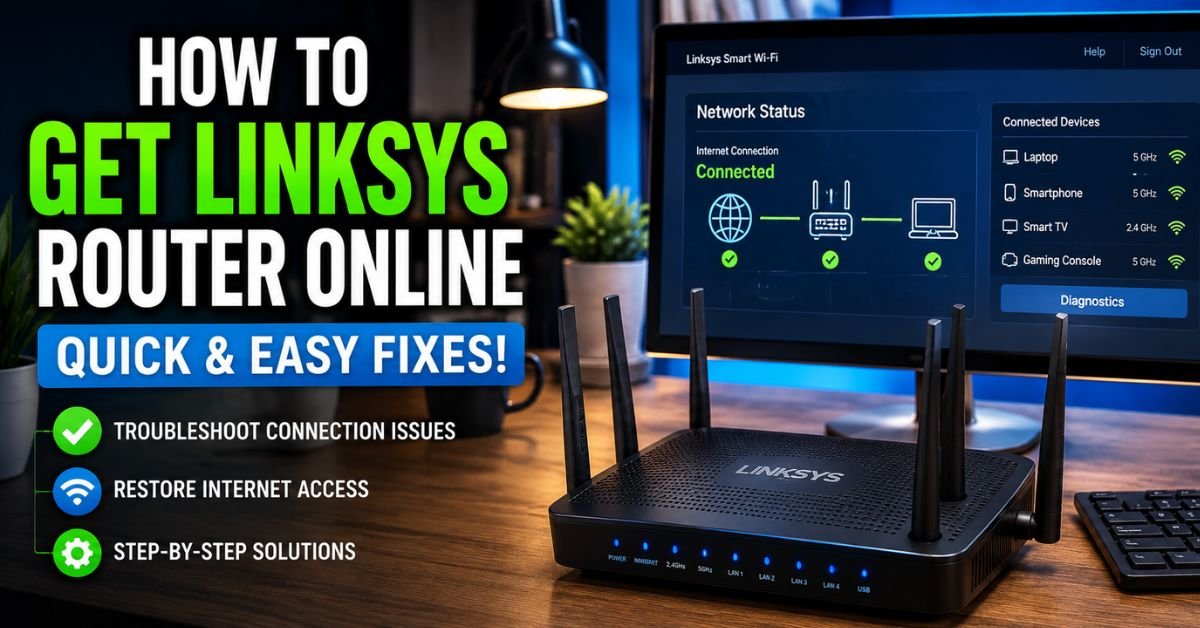
In this comprehensive guide, I’ll walk you through the exact diagnostic steps I use to get a stubborn Linksys router back online after a power interruption. We will look at logical handshakes, hardware vulnerabilities, and those cryptic flashing LED lights.
Why Power Outages Knock Out Your Linksys Router & Wi-Fi Network
When a power outage occurs, your home network doesn’t just experience a sudden lack of electricity. It experiences an abrupt, violent termination of active data streams and voltage levels.
Living in the United States, our electrical infrastructure is highly interconnected but prone to localized grid fluctuations. When the power drops, or worse, when it stutters back on, it can send a minor surge through your copper or fiber lines. This volatile spike can corrupt the temporary files stored in your router’s volatile memory (RAM).
Here is what is actually happening under the hood of your Linksys unit during a blackout:
- IP Address Conflict: When your modem and router boot back up simultaneously, they often drop their synchronization. Your ISP (whether it is Comcast Xfinity, Charter Spectrum, or AT&T Fiber) may fail to assign a public IP address to your router because the router requested it before the modem was fully online.
- Firmware Corruption: If the power cut happened while the router was writing system logs or performing an automatic background update, it can cause firmware corruption. This leaves the device stuck in a boot loop.
- Power Adapter Degradation: The external wall wart (the AC/DC transformer) is actually quite fragile. A power spike can damage its internal capacitors, meaning it can no longer supply the clean, stable DC voltage your router needs to run its high-frequency radios.
Understanding whether you are dealing with a simple logical freeze or a physical component failure is half the battle won.

Step-by-Step Diagnostic: The Golden Reboot Sequence (How to Power Cycle Properly)
When people ask me how to fix router not working after power outage linksys, my first question is: “In what order did you turn things back on?”
Simply pulling the power cords out of the wall and shoving them back in at random is a recipe for a persistent IP address conflict. When both devices boot at the same exact time, the router asks for an IP address before the modem has even finished handshaking with your ISP’s local node.
To resolve this, we use what network engineers call “The Golden Reboot Sequence.” Follow these steps exactly:
- Unplug Everything: Disconnect the power adapter from both your modem (or Fiber ONT) and your Linksys router.
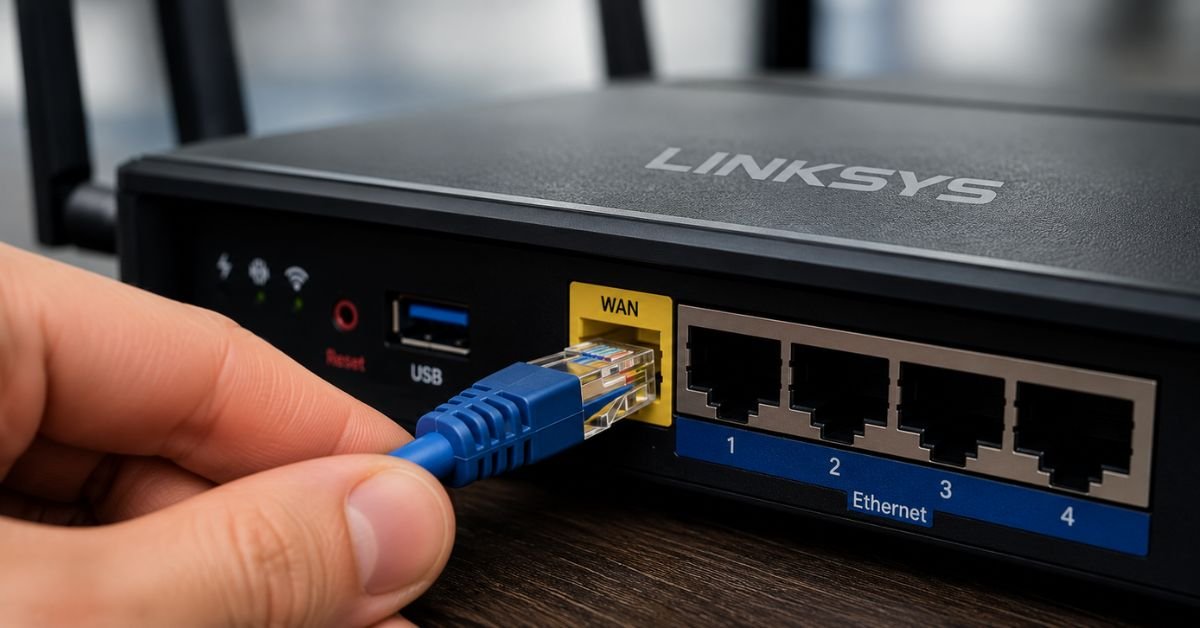
- Disconnect the Data Link: Pull the Ethernet cable out of the WAN (Internet) port of your Linksys router.
- Wait It Out: Let both devices sit completely unpowered for a full two minutes. This allows all residual electricity to drain from the internal capacitors, completely wiping the temporary RAM.
- Boot the Modem First: Plug the power cord back into your modem only. Do not touch the router yet.
- Watch the Lights: Wait exactly two to three minutes. Watch the LED indicators on your modem. You want to see the “Online,” “Cable,” or “PON” light turn solid green or blue (depending on your ISP). This means your modem has successfully authenticated with Comcast, Spectrum, or AT&T.
- Reconnect the Ethernet: Plug your high-quality Ethernet cable back into the WAN port of your Linksys router.
- Boot the Linksys Router: Finally, plug the power adapter back into your Linksys unit. Let it boot up fully (about two minutes).
This strict sequence ensures that when your Linksys router boots up and asks for an external IP address, the modem is fully awake and ready to hand it over.
Decoding Linksys LED Status Lights After an Outage
If you followed the golden reboot sequence and you still find your linksys router wont connect to internet after power cut, we need to read the diagnostics directly from the device’s faceplate. Linksys routers use their LED status indicators to tell you exactly where the boot process is failing.
| LED Behavior | What It Means | Recommended Action | | :— | :— | :— | | Linksys router blinking power light after outage | The router is stuck in a self-diagnostic boot loop or suffers from corrupted firmware. | Attempt a TFTP firmware flash or perform a hard 30-30-30 reset. | | Linksys router solid red light after power outage | Physical connection to the local modem is detected, but there is zero internet gateway access. | Reprovision the WAN IP or check if your local ISP node is still down. | | Completely dark (No lights) | The unit is receiving no electrical current. | Test a different wall outlet or replace the AC power adapter brick. | | Blinking Amber/Orange | The router is detecting an IP handshake conflict or a physical cable mismatch. | Replace the WAN Ethernet cable and perform the sequence reboot again. |
The Infamous Blinking Power Light
If you are seeing a continuously flashing power light, the router’s bootloader is likely failing its initial hardware check. This is classic firmware corruption caused by a sudden voltage drop.
The Solid Red Eye
A solid red light means your physical router is working perfectly, but it’s screaming that it can’t find the internet. In many post-storm scenarios, the power is back on at your house, but the local physical nodes for your ISP (which are situated on telephone poles or in green street boxes) are still dead or running on failing backup batteries.
If this is the case, you will see your linksys smart wifi offline after power loss notices inside the app. Simply checking your ISP’s mobile app on your cellular data plan will confirm if there is a wider neighborhood outage.
The Ultimate Fix: Performing a 30-30-30 Hard Reset
If the golden reboot didn’t work and your router’s lights are behaving erratically, the Non-Volatile Random Access Memory (NVRAM) is likely holding onto a corrupted startup configuration file. To blow past this roadblock, we have to perform a nuclear option: the industry-standard 30-30-30 Hard Reset.
Pro Tip / Expert Insight: A simple press of the reset button for 5 seconds only performs a soft reset. If your NVRAM has deep-seated configuration errors from a sudden power drop, a soft reset will do nothing. The 30-30-30 method forces the microprocessor to clear its NVRAM registers entirely, regardless of what state the firmware boot loop is currently in.
Step-by-Step 30-30-30 Reset Method:
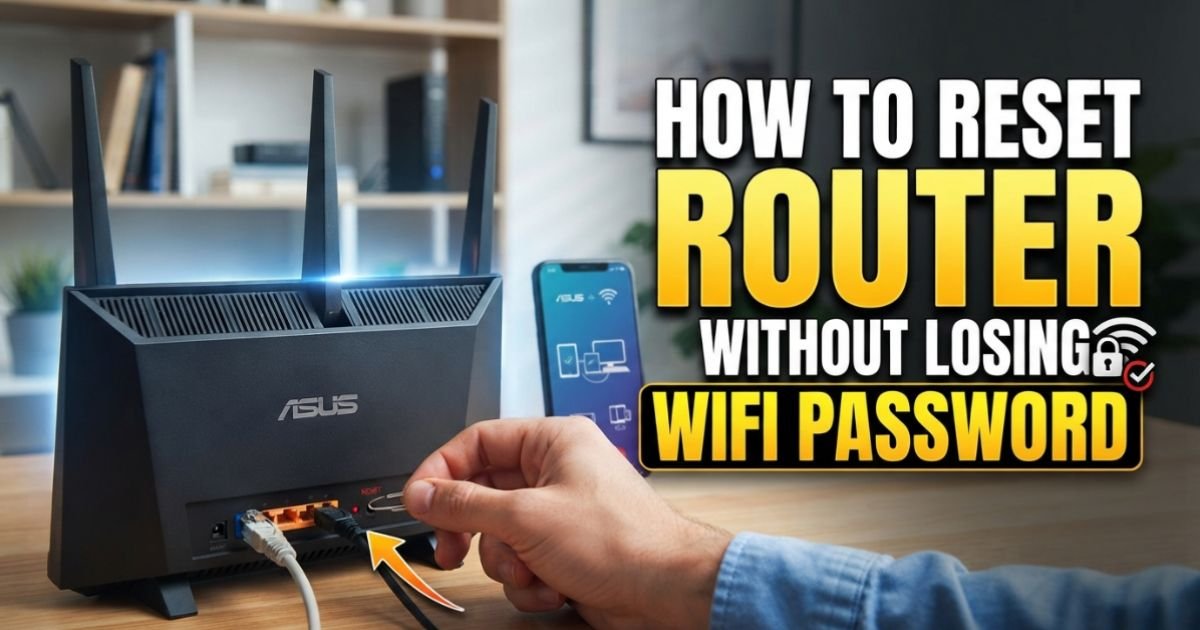
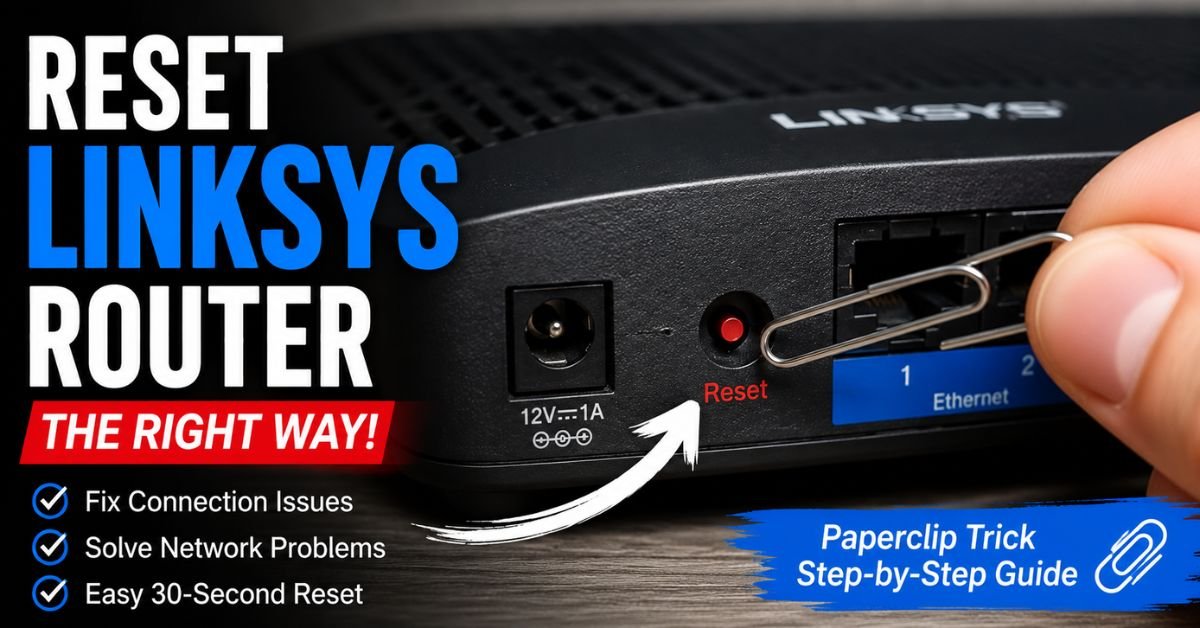
- Locate the Reset Button: Find the small recessed reset button on the back or bottom of your Linksys router. You will need a paperclip or a sturdy toothpick.
- First 30 Seconds (Power On): With the router plugged in and powered on, press and hold the reset button down. Keep it held down continuously for 30 seconds.
- Second 30 Seconds (Power Off): While still holding the reset button down, carefully pull the power cord out of the back of the router. Keep holding that reset button! Hold it for another 30 seconds without power.
- Third 30 Seconds (Power Re-applied): While still holding the reset button down, plug the power cord back into the router. Keep holding the button for one final stretch of 30 seconds.
- Release and Wait: Release the button. The router will now undergo a deep factory initialization. Give it up to 5 minutes to complete this process.
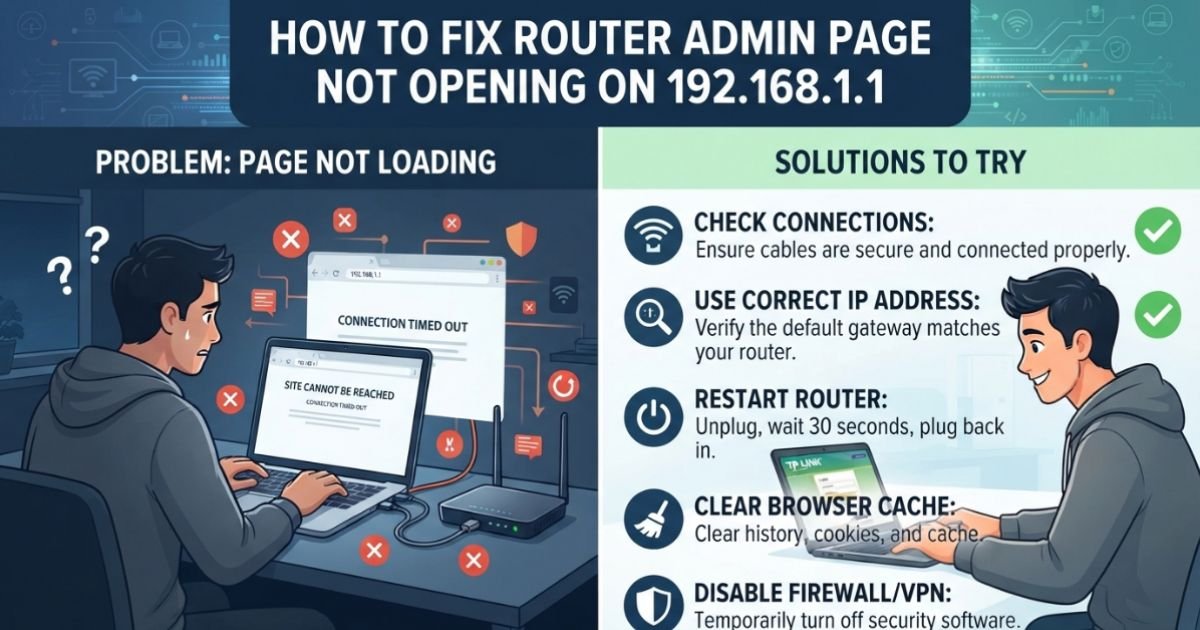
Once this is complete, your router is back to its factory-default settings. You will need to connect your phone or laptop to the default Wi-Fi network name printed on the sticker underneath the unit. Open up the Linksys Smart Wi-Fi App or navigate to 192.168.1.1 in your web browser to configure your network name (SSID) and passwords from scratch.
Common Pitfalls to Avoid During Restoration
When debugging your home setup after a storm, it is easy to make assumptions that cost you unnecessary time or money. Avoid these common traps:
- Plugging directly into the wall too quickly: When power grids recover, they often flicker. Multiple mini-outages can happen within minutes of the main power returning. Keep your sensitive network gear unplugged until the power grid has been completely stable for at least 15 minutes.
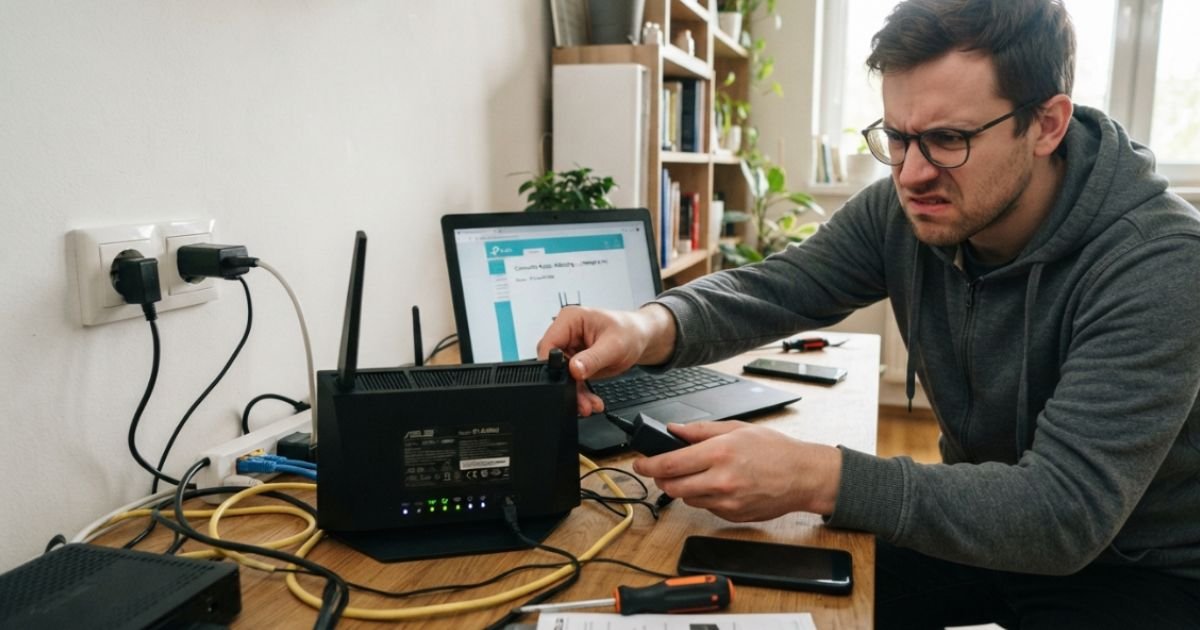
- Assuming the router is dead when the power adapter is the culprit: Often, the router itself is perfectly fine, but the cheap power adapter brick got fried by the spike. If your router won’t turn on at all, look closely at the adapter’s specs (usually 12V, 1.5A to 3A). You can find universal replacements at local hardware stores or online retailers for under $15.
- Overlooking fried Ethernet ports: A lightning strike nearby can send high voltages traveling down the exterior coaxial copper or fiber lines, blowing out the yellow Ethernet WAN port on your router. If your Linksys lights indicate no connection, try smelling the WAN port. If it has a burnt plastic odor, the internal transceiver chip is fried, and the router will need to be replaced.
Protecting Your Home Network Against Future Blackouts
If you live in a region of the United States that regularly suffers from inclement weather, leaving your home network unprotected is playing Russian roulette with your hardware.
To ensure you never have to deal with how to reset linksys router after power surge situations again, invest in a resilient power infrastructure for your home office.
Use UL-1449 Rated Surge Protectors
Do not buy cheap $5 power strips from grocery store checkout aisles. Look specifically for a surge protector certified with the UL-1449 standard (Underwriters Laboratories). This ensures the strip has fast-clamping metal oxide varistors (MOVs) capable of absorbing massive voltage spikes before they reach your Linksys power supply.
Upgrade to an Uninterruptible Power Supply (UPS)
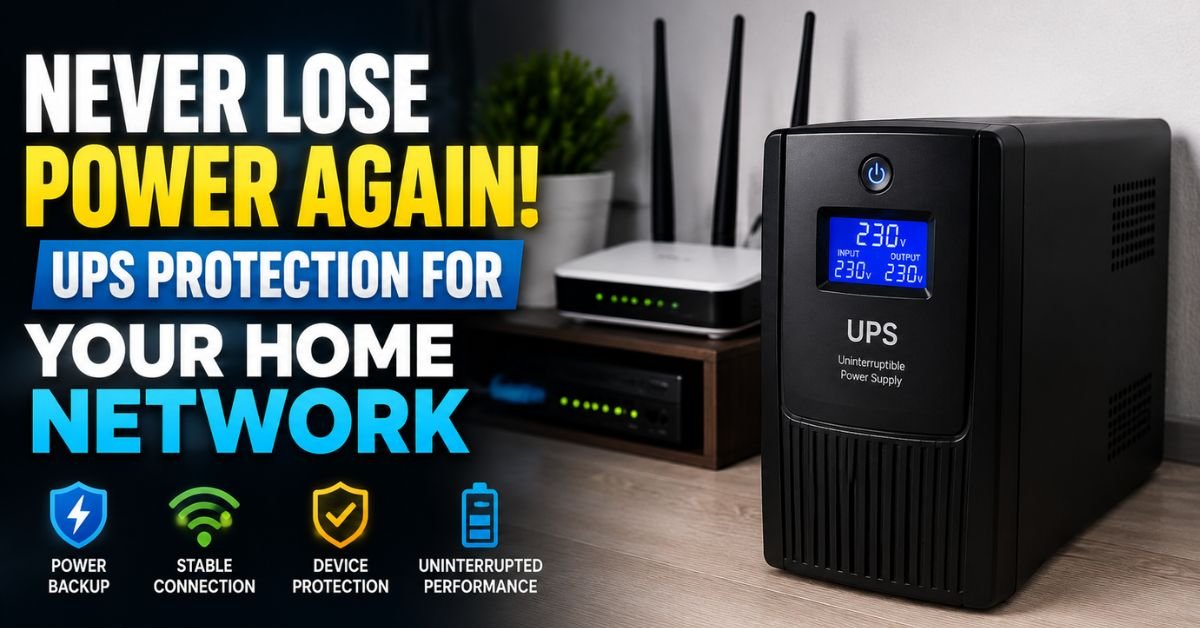
The ultimate solution is a battery-backed Uninterruptible Power Supply (UPS). A small, consumer-grade UPS (like those from APC or CyberPower) costs around $60 to $80.
By plugging your modem and Linksys router into the battery-protected outlets of a UPS, your network won’t even blink when the mains power cuts out. The battery will seamlessly take over, giving you 3 to 4 hours of continuous Wi-Fi while the storm rages outside. This completely eliminates the threat of dirty power cuts, sudden voltage drops, and NVRAM corruption.
Frequently Asked Questions
Why does my Linksys router say “No Internet Connection” when all the lights are green?
This usually indicates an IP address conflict between your router and your ISP’s upstream gateway. Your local devices are successfully communicating with your router (hence the green local status lights), but your router has not been assigned an external routing gateway. Perform the Golden Reboot Sequence to resolve this.
Can a power outage physically destroy a router?
Yes. A sudden high-voltage power surge preceding or following a blackout can melt the micro-components on the router’s mainboard. If your router remains completely lifeless even when plugged into a known working wall outlet with a verified working power brick, the hardware is likely dead.
Why won’t my Linksys router let me log in after a factory reset?
When you perform a hard factory reset, your custom administrative username and password are deleted. You must use the default admin credentials (often just “admin” for both username and password, or left blank) printed on the physical sticker located on the bottom of your specific Linksys model.
Is it safe to leave my router plugged in during a heavy thunderstorm?
No, it is always safest to physically unplug your modern networking gear from both the electrical outlets and the coaxial/fiber lines if a severe thunderstorm is directly overhead. Surge protectors are great, but they cannot always stop a direct lightning strike.