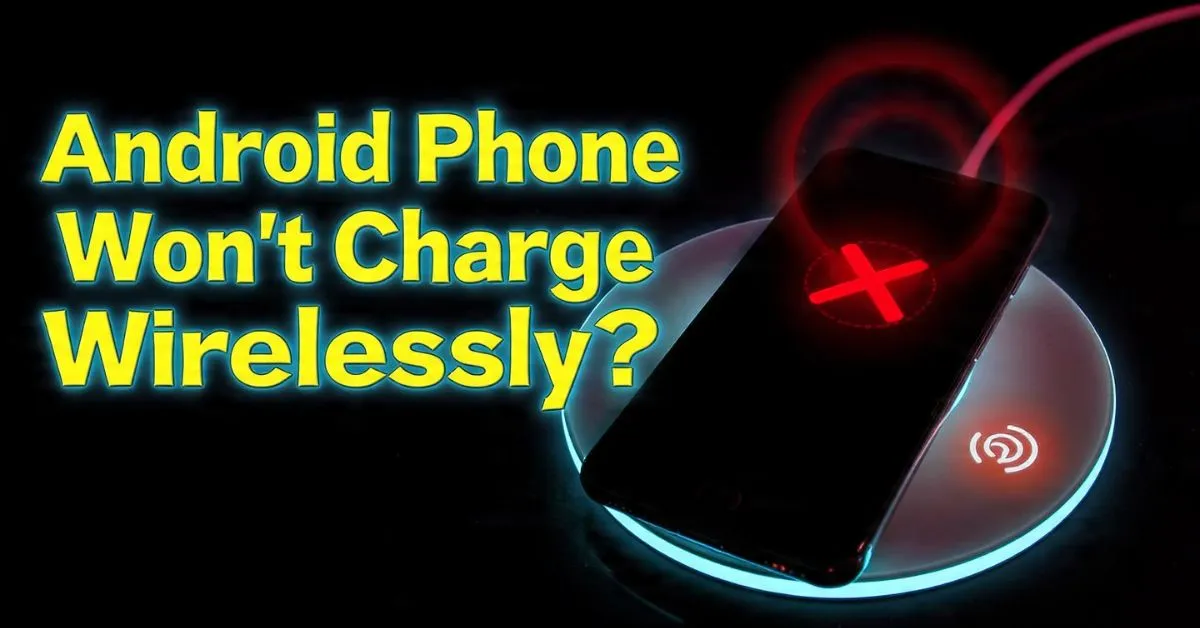
I’ve been there. It’s 2 AM, you’re exhausted, and you clumsily set your phone on the bedside charging pad. You see the faint glow of the charging animation and drift off to sleep, only to wake up six hours later to a dead battery and a blinking red light on your charger. It’s infuriating. As someone who has spent the last decade tearing down smartphones and troubleshooting hardware in local repair shops, I can tell you that wireless charging—while feeling like “magic”—is actually a finicky dance of physics and firmware.
If your Android phone won’t charge wirelessly, you aren’t alone. Whether you’re rocking the latest Samsung Galaxy, a Google Pixel, or a Xiaomi beast, Qi charging problems are among the most common complaints I see. Today, we’re going to skip the generic “is it plugged in?” advice and dive deep into the technical weeds to get your power flowing again.
Understanding the Qi Charging Failure
Before we start ripping off cases, let’s talk about what’s actually happening inside that glass sandwich. Most modern Android devices follow the Qi Standard, governed by the Wireless Power Consortium. The process relies on Electromagnetic Induction. Inside your phone, there’s a Receiver Coil, and inside the pad, there’s an Induction Coil. When they align, they create an alternating magnetic field that creates a current.
However, this “handshake” is delicate. If the Wattage isn’t right, or if the Power Delivery (PD) protocol fails to negotiate the correct voltage, the charging stops. Sometimes, the pad’s Foreign Object Detection (FOD) kicks in because it thinks a coin or a paperclip is nearby, even if there’s nothing visible. This is often why you see that dreaded Android wireless charging pad blinking issue.
Also Reade : Complete Android Fix Guide: Every Android Problem Solved (2026)
The Alignment Issue: Finding the Sweet Spot
One of the most common reasons for an Android wireless charger not detecting phone is simple geometry. Unlike a USB-C cable that physically locks into place, wireless charging requires the two coils to be perfectly centered.
I once spent forty-five minutes troubleshooting a customer’s Android wireless charging intermittent connection on a Samsung Galaxy S23 Ultra. The culprit? The phone was so large that its weight was causing it to slowly slide off the “sweet spot” of his circular charging puck over an hour.
Horizontal vs. Vertical Stands
If you’re using a flat pad, even a vibrating notification can shift the phone enough to break the connection. This leads to Android wireless charging random failures fix searches. I always recommend vertical charging stands. Most high-quality stands use a dual-coil setup, which covers more surface area and makes the “handshake” more reliable.
Pro Tip: If your Android phone not charging on wireless pad persists, try rotating the phone 90 degrees (landscape mode) on the charger. If it starts charging, you’ve confirmed it’s an alignment issue, not a hardware failure.
Physical Barriers and Case Compatibility
We all want to protect our $1,000 glass rectangles, but your rugged case might be the enemy. Android wireless charging issue because of phone case is probably the #1 ticket item in repair shops.
- The 5mm Rule: Most Qi chargers can only penetrate about 3mm to 5mm of material. If you have an Android wireless charging issue because of thick case, or if you’re using a wallet case with three credit cards tucked inside, the magnetic field just can’t reach the receiver coil.
- Metal is the Enemy: If your case has a built-in metal plate for magnetic car mounts, you’re out of luck. Metal interferes with the induction and can cause Eddy Currents, which generate dangerous heat. This triggers the Foreign Object Detection (FOD) and shuts the pad down.
- Magnetic Accessories: MagSafe-style rings for Android are popular now, but an improperly placed ring will cause an Android wireless charging issue because of magnetic accessories.
If your Android wireless charging stopped working, the first diagnostic step is always: Take the case off. If it charges without the case, you need a Qi-compatible sleeve.
Power Supply and Cable Troubleshooting
Don’t blame the phone yet. Sometimes the “tank” is empty because the “hose” is too small.
I’ve seen many users buy a high-end 15W wireless pad but plug it into an old 5W “cube” adapter from 2016. This results in an Android wireless charging issue because of weak power supply. Modern fast wireless charging pads require Power Delivery (PD) or Quick Charge (QC) 3.0 wall adapters to function. If the pad doesn’t get enough juice, it won’t even try to start the induction process.
Also, check your cable. A frayed or “data-only” cable can cause Android wireless charging no response issue. I’ve personally seen Android wireless charging issue due to cable problems where the cable was fine for slow-charging a pair of earbuds but couldn’t handle the high current required for a 15W Qi pad.
Software Glitches and Battery Settings
Sometimes the hardware is fine, but the “brain” (Android OS) is being overprotective.
Thermal Throttling: The Silent Killer
Wireless charging generates heat. It’s an inefficient transfer of energy compared to wires. If your phone gets too warm—perhaps because of Android wireless charging issue due to overheating phone or because you’re charging during gaming—the system will trigger Thermal Throttling. This is a safety mechanism to protect the Lithium-ion Battery.
When the internal sensors hit a certain threshold, Android will kill the charging process entirely. This is often reported as Android wireless charging keeps disconnecting.
The Android 15 and Update Factor
Did your phone stop charging right after a software bump? We’ve seen a spike in Android wireless charging issue after Android 15 update and Android wireless charging issue after security patch. This is often due to a bug in Google Play Services or a conflict with Adaptive Charging settings.
How to fix Android wireless charging issues via software:
- Toggle Adaptive Charging: Go to Settings > Battery > Adaptive Charging and turn it off. Sometimes the AI gets “too smart” and prevents charging when it thinks you don’t need it.
- Check Battery Saver: An Android wireless charging issue because of battery saver is common; some manufacturers disable wireless induction to save the tiny amount of power used to monitor the coils.
- Wipe Cache Partition: If you’re facing an Android wireless charging issue because of cache partition after an update, booting into Recovery Mode and clearing the cache can often resolve system UI bugs.
Brand-Specific Troubleshooting Guide
Different manufacturers handle Qi charging slightly differently. Here’s a quick breakdown of brand-specific quirks I’ve encountered:
- Samsung Galaxy: Often suffers from Android wireless charging troubleshooting Samsung issues where “Fast Wireless Charging” must be manually enabled in battery settings. If it’s off, the pad might not even respond.
- Google Pixel: Known for Android wireless charging issue on Pixel phones where the “Pixel Stand” app needs its cache cleared. Also, Pixels are very sensitive to Android wireless charging overheating issue.
- OnePlus & Xiaomi: These brands often use proprietary high-speed wireless tech. If you aren’t using their specific “AirVOOC” or “Super charge” stands, you might experience Android slow wireless charging fix needs or Android wireless charging issue on OnePlus phones.
- Motorola: Frequently sees Android wireless charging issue on Motorola devices due to the placement of the coil being slightly lower than on Samsungs.
Advanced Troubleshooting: When It’s a Hardware Problem
If you’ve tried every Android wireless charging easy fix and it still won’t budge, we have to look at the hardware.
- Damaged Charging Coil: If you’ve recently dropped your phone, the internal Receiver Coil or its connection to the motherboard could be severed. This is a common Android wireless charging issue after dropping phone.
- Water Damage: Even “water-resistant” phones can suffer. Corrosion on the internal pins can lead to an Android wireless charging issue after water damage.
- Battery Replacement: If you just had a cheap repair done, you might have an Android wireless charging issue after battery replacement. Some third-party batteries don’t include the NFC/Wireless charging coil assembly, or the technician forgot to reconnect the ribbon cable.
- Malware and Apps: It sounds crazy, but I’ve seen Android wireless charging issue because of third party apps. Certain “Battery Doctor” or “Ram Booster” apps can interfere with the system’s power management profile.
Expert Insight: Before you pay for a repair, try an Android wireless charging fix without reset. Start your phone in Safe Mode. If the phone charges in Safe Mode, you have a 100% confirmation that a third-party app is causing the conflict.
Summary Checklist for Fixing Qi Problems
- Remove the case. Seriously, do it first.
- Check the adapter. Ensure it is a PD or QC 3.0 certified plug.
- Clean the surface. An Android wireless charging issue because of dirty charging surface can happen if there’s oily residue or dust interfering with the contact.
- Reboot. An Android wireless charging issue after reboot often clears out temporary background process hangs.
- Disable NFC. Occasionally, there’s an Android wireless charging issue with NFC enabled due to signal interference, though this is rare on newer models.
Wireless charging is a luxury that’s hard to give up once you’re used to it. While it can be more temperamental than a standard cable, most Android Qi charging not working issues are resolved by correcting alignment, updating software, or simply using a more powerful wall brick.
If you’ve gone through this entire Android wireless charging troubleshooting guide and your phone is still a paperweight on the pad, it might be time to visit a pro to check for a damaged charging coil or motherboard problem. But in 90% of the cases I see in my shop, it’s just a thick case or a weak power adapter standing between you and a full battery.
Happy charging!