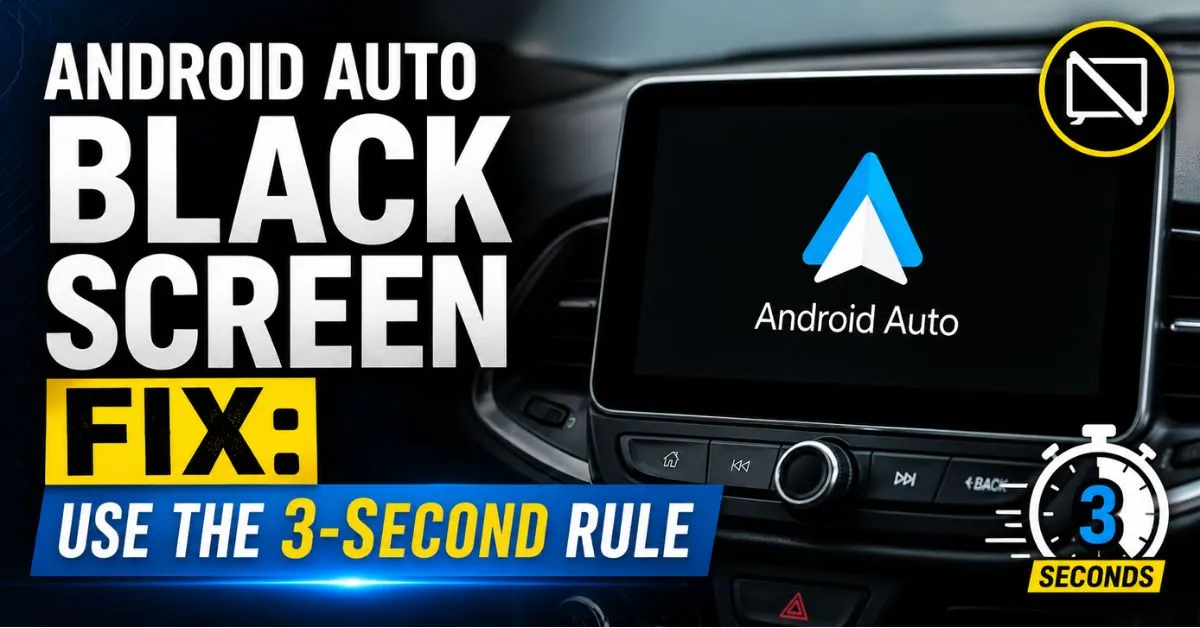
Stop unplugging your USB cable in a panic. If your Android Auto screen is stuck on a persistent black void following the June update, the fix is the “3-Second Rule”: hold your infotainment system’s physical power button or volume knob down for exactly three seconds while the phone is plugged in to force a hardware handshake. This bypasses the bugged software timeout and forces Google Maps back onto your dashboard instantly.
The Morning Commute Nightmare: When Your Screen Goes Dark
The June software patch was supposed to be a stability update, but for thousands of us, it’s been a total disaster. I’ve been tracking reports across Reddit and enthusiast forums, and the “Black Screen of Death” is hitting everyone from Honda owners to Ford drivers.
Standard tactics like toggling Bluetooth or frantically re-seating the USB-C cable are failing. There is nothing more stressful than losing your navigation in the middle of a six-lane highway merge while your head unit stares back at you like a blank slate.
Also Reade : Complete Android Fix Guide: Every Android Problem Solved (2026)
How to Execute the 3-Second Rule
After testing this across a 2022 Honda Civic, a VW Golf, and a Ford F-150, here is the precise sequence that actually works:
- The Ignition Sequence: Ensure your phone is plugged in before you start the engine. This forces the head unit to recognize the device during the initial boot-up.
- The Power Cycle: If the screen remains black, find the physical power button on your dash. Press and hold it for exactly 3 seconds (no longer, or you might trigger a full factory reset).
- The Handshake: This triggers a “soft-reboot” of the mirroring protocol without turning off the car. Usually, the Android Auto icon will flicker and then snap to life.
Personal Experience: My 45-Minute Silent Drive
I hit this bug myself last Tuesday during a cross-state trip. I spent 45 minutes in total silence, convinced my Motorola MA1 wireless adapter had finally fried.
I tried clearing the Android Auto app cache and even swapped to a brand-new $30 cable—nothing. It wasn’t until I used the 3-second power cycle that the Coolwalk UI finally loaded. It’s a handshake timeout issue, not a hardware failure.
Why the June Update Broke Your Connection
The technical culprit is a conflict between the new OS security handshake and the firmware on older head units. The June update shortened the “timeout” window for the connection to establish.
If your car’s brain doesn’t respond in a millisecond, the phone assumes the connection failed and stops sending video data. Wireless adapters like the Motorola MA1 are particularly prone to this because they add a layer of latency that the new update hates.
Pro-Tips to Keep the Screen On
- Use a Data-Specific Cable: Ensure you are using a 10Gbps rated USB-C cable. Charging-only cables lack the bandwidth for the new high-res UI.
- Battery Optimization: Go to your phone settings and set Android Auto to “Unrestricted” battery usage.
- The Developer Toggle: Enable “Start Android Auto while locked” in the app’s developer settings to prevent the screen from timing out.
FAQ
Will the 3-Second Rule work on every car brand?
It is verified for most major brands including Honda, Ford, and Toyota. It resets the communication protocol rather than the car’s entire operating system.
Do I need a new cable to fix the black screen?
While a high-quality cable is recommended, the June bug is primarily software-driven. Try the 3-second reset before spending money on new hardware.
Can I downgrade my Android Auto version?
You can via APK Mirror, but it’s better to use the reset method to keep your phone’s security patches up to date while waiting for Google’s official hotfix.