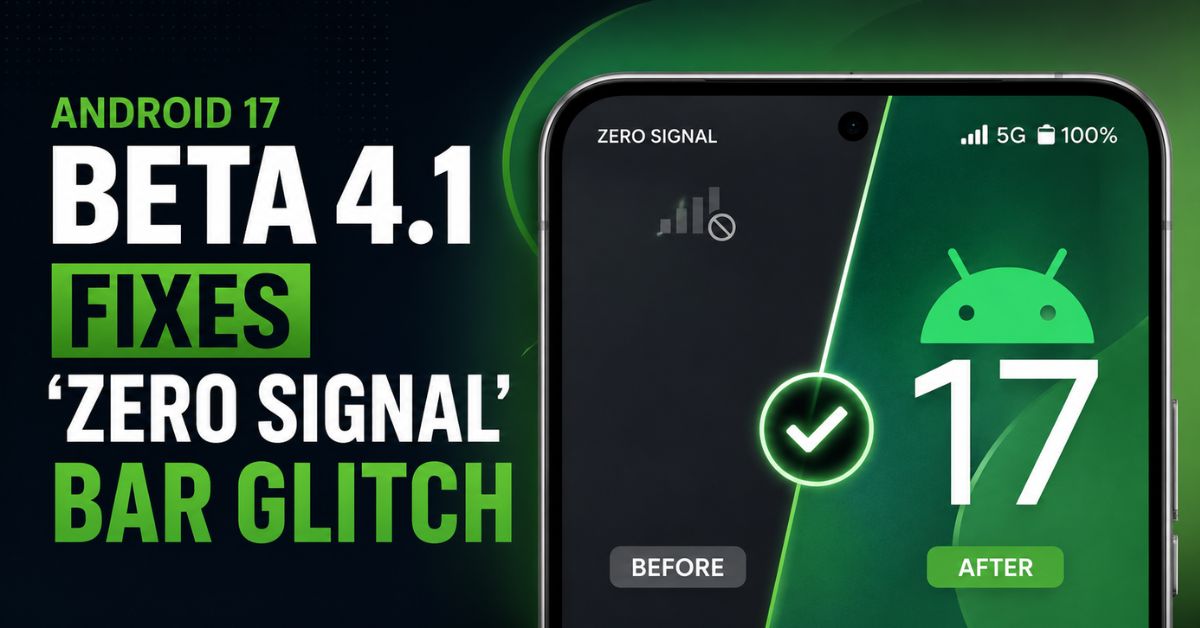
Google just pushed Android 17 Beta 4.1 to kill the “Zero Signal” bug that made Pixel users think their modems were fried. Even if your status bar showed a terrifying empty “X,” your data was likely working fine—it was a massive UI reporting error that this latest patch finally squashes.
The ‘Phantom’ Connectivity Crisis
Last week, the Android community went into a tailspin. Users across Reddit and the Google Issue Tracker reported their signal bars dropping to zero unexpectedly. It looked like a hardware failure.
I saw it myself on my Pixel 9 Pro. One minute I’m browsing, the next, the “No Service” icon is mocking me. Naturally, I did what everyone does: toggled Airplane Mode, rebooted three times, and even considered a factory reset. The weirdest part? My Spotify was still streaming perfectly. The phone had service; it just refused to admit it.
Also Reade : Complete Android Fix Guide: Every Android Problem Solved (2026)
What’s Inside Android 17 Beta 4.1
This isn’t just a minor tweak; it’s a surgical strike on the System UI. Google’s release notes confirm that Beta 4.1 specifically fixes the logic error where the status bar failed to reflect the actual modem connection state.
Beyond the visual fix, the update optimizes modem firmware to address a sneaky battery drain issue. When the UI thinks there’s no signal, the system often ramps up power to the antennas to “search” for a tower, even when you’re already connected. If your Pixel has been running hot lately, this update should cool it down. Stability for the Pixel 8 and 9 series also sees a significant bump.
Personal Experience: The Panic of the ‘Empty Bar’
I’ll be honest: I missed a client call because I assumed I had no service. I saw those empty bars and just set the phone down, figuring the tower was down.
I spent twenty minutes digging into APN settings for a problem that didn’t exist. That’s the danger of these “visual-only” bugs—they change how we use our devices. Seeing the signal return immediately after the 4.1 OTA (Over-the-Air) update was a massive relief. My Pixel finally feels like a phone again.
How to Get the Fix Right Now
If you’re on the Android 17 Beta path, don’t wait for the notification. Pull the update manually to ensure your signal reporting is accurate.
- Navigate to Settings > System > System Update.
- Tap Check for Update.
- Verify the build number is AP31.240119.016.
Pro Tip: If you aren’t on the Beta yet, stay on the stable channel for now. While 4.1 is much better, these “heart attack” bugs are exactly why we don’t put developer previews on our primary devices unless we’re ready for the chaos.
FAQ
Does this bug actually affect my call quality?
No. This was primarily a visual UI bug. Your phone maintained its actual cellular connection, even when the status bar reported “Zero Bars.”
Which devices are eligible for the Beta 4.1 update?
The update is rolling out to supported Pixel devices starting from the Pixel 6 through to the latest Pixel 9 Pro Fold.
Should I factory reset if I still see zero bars?
No. Try installing the Beta 4.1 patch first. If the issue persists, try resetting your “Mobile Network Settings” before committing to a full factory wipe.